Before you buy: know how many ISBNs you need
An ISBN identifies one specific edition and format of a book. That means a paperback, hardcover, ebook, and audiobook usually need separate ISBNs if you distribute them broadly.
For example:
- Paperback: 1 ISBN
- Hardcover: 1 ISBN
- EPUB ebook: 1 ISBN
- Audiobook: often 1 ISBN, depending on the distributor
If you are only publishing a Kindle ebook on Amazon, you may not need to buy your own ISBN because Amazon can use its own identifier. But if you want broader ebook distribution, bookstore ordering, library availability, or your own publisher imprint attached to the book, owning your ISBN is usually the cleaner long-term choice.
How to get an ISBN number for your book
1. Create or open your book project
Start by getting your book information organized in one place: title, subtitle, author name, description, format plan, publication date, and imprint name. In SelfPublishing.pro, you can do this from the dashboard by opening your book project or adding a new book.
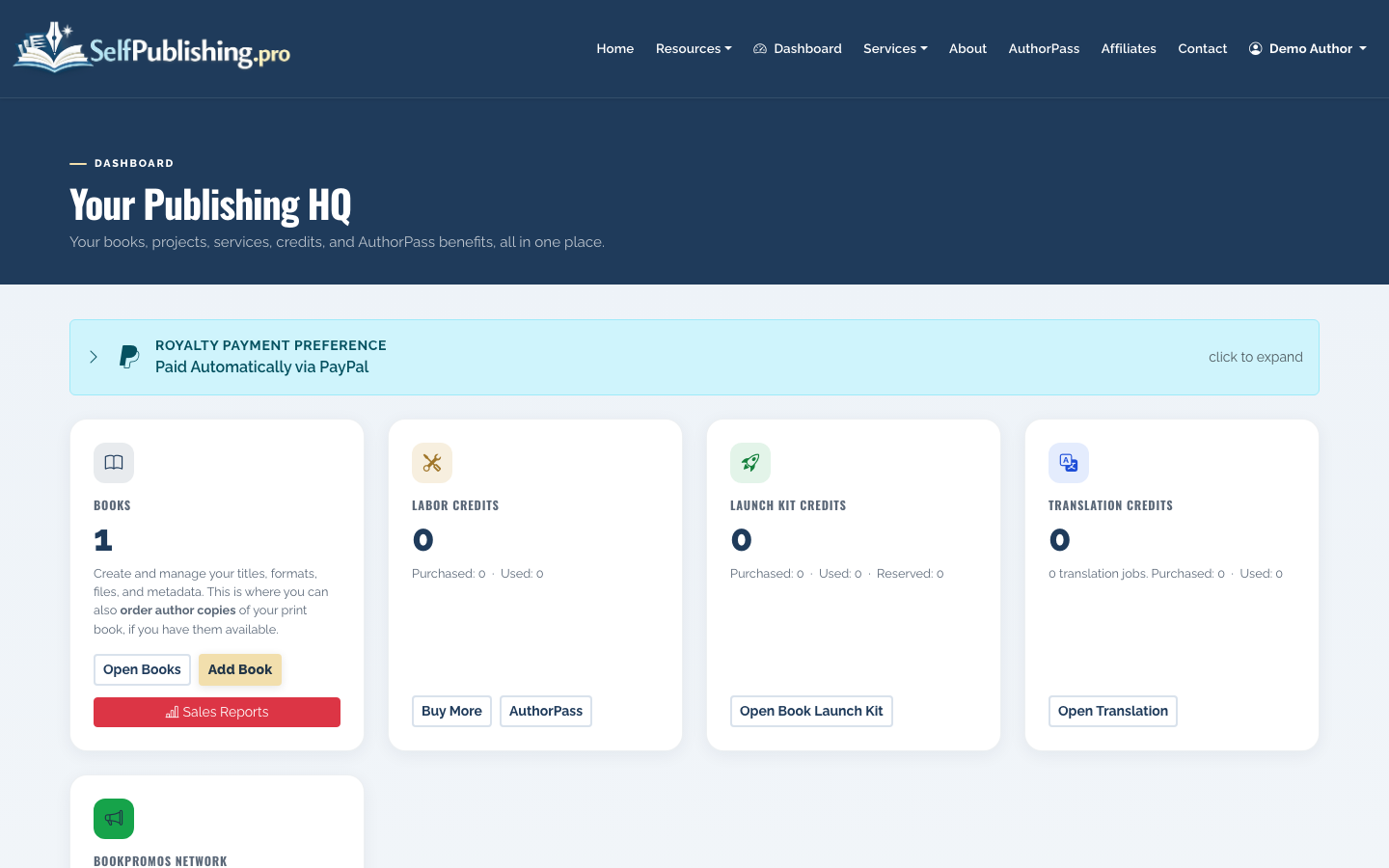
This matters because the ISBN application and distribution metadata should match. If your title is still changing, wait to assign the ISBN until you are confident in the final title and format.
For a broader publishing sequence, see How to Publish a Book or How to Self Publish a Book.
2. Decide whether you want your own ISBN or a platform-assigned ISBN
You have two common options:
- Buy your own ISBN from your country’s official ISBN agency.
- Use a free or included ISBN from a publishing platform or distributor, if offered.
The tradeoff is control. A free platform ISBN can be fine for a single print edition on one platform, but the platform or its publishing entity may appear as the publisher of record. Buying your own ISBN lets you list your own imprint as the publisher and reuse that imprint across retailers and future books.
3. Buy the ISBN from the official agency
In the United States, Bowker is the official ISBN agency, and the buying site is MyIdentifiers.com. Authors outside the U.S. should use their national ISBN agency; pricing and eligibility vary by country, and some countries issue ISBNs at low or no cost.
When you buy, you will usually need:
- Your legal name or business name
- Publisher or imprint name
- Mailing address
- Email address
- Payment method
- Expected publishing activity
Choose the quantity based on your format plan. A single ISBN works for one format of one book. A 10-pack is often more practical if you will publish print plus ebook, release a hardcover later, or publish more than one title.
4. Assign the ISBN to the right format
After purchase, the ISBN sits in your account until you assign it. Assignment connects that ISBN to a specific book format and metadata record.
In your SelfPublishing.pro book detail view, check which formats you are preparing before you assign numbers. Do not use the same ISBN for paperback and hardcover, and do not reuse an ISBN for a substantially revised edition.
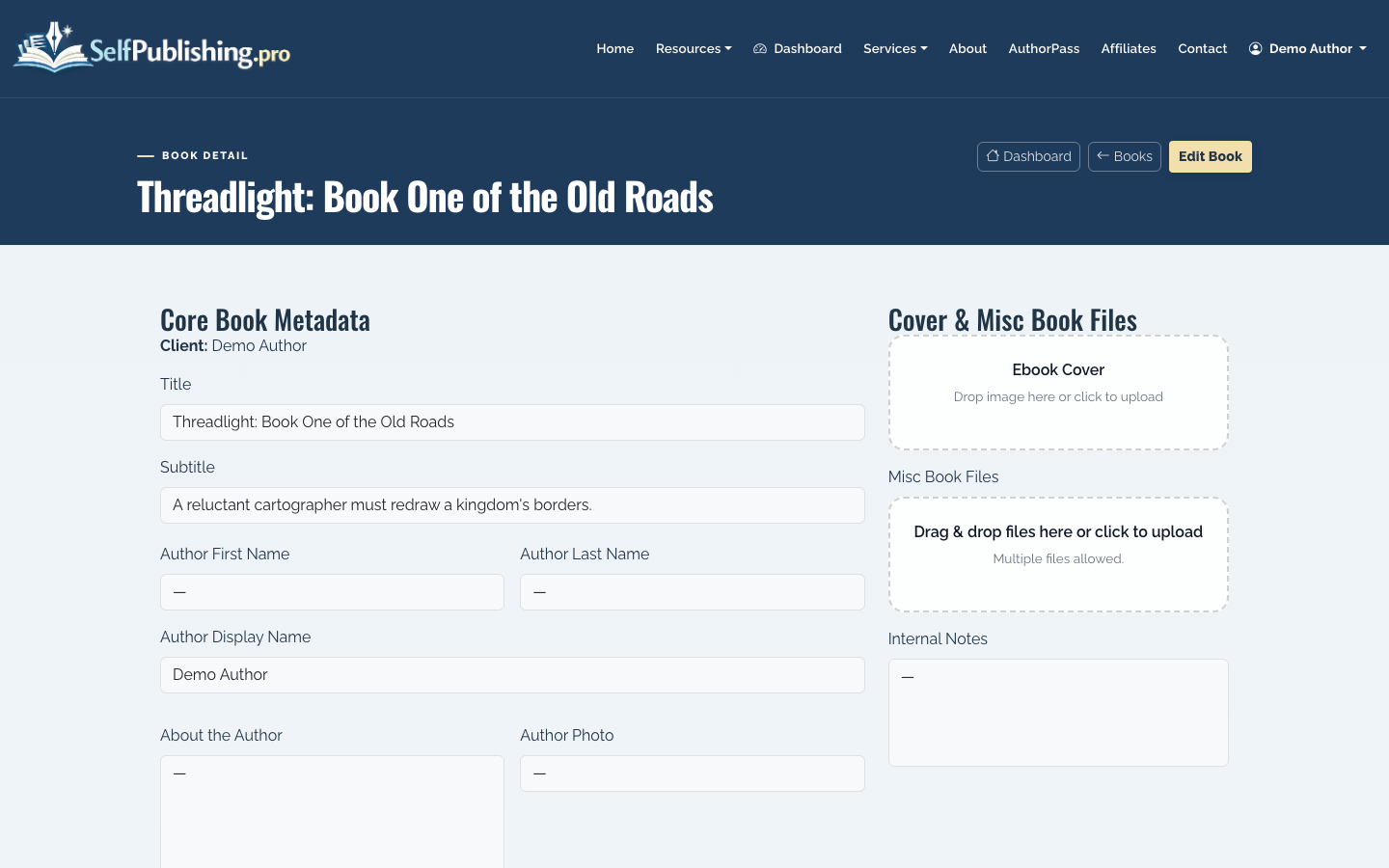
Typical assignment fields include:
- Title and subtitle
- Contributor names
- Format, such as paperback or ebook
- Publisher/imprint
- Publication date
- Price, where applicable
- Subject categories
- Description
- Page count for print editions
5. Clean up your metadata before distribution
Your ISBN is only as useful as the metadata attached to it. Retailers, libraries, and wholesalers use that information to display and categorize your book.
In SelfPublishing.pro, update your title, author name, description, genre, categories, and SEO metadata before submitting the book for distribution.
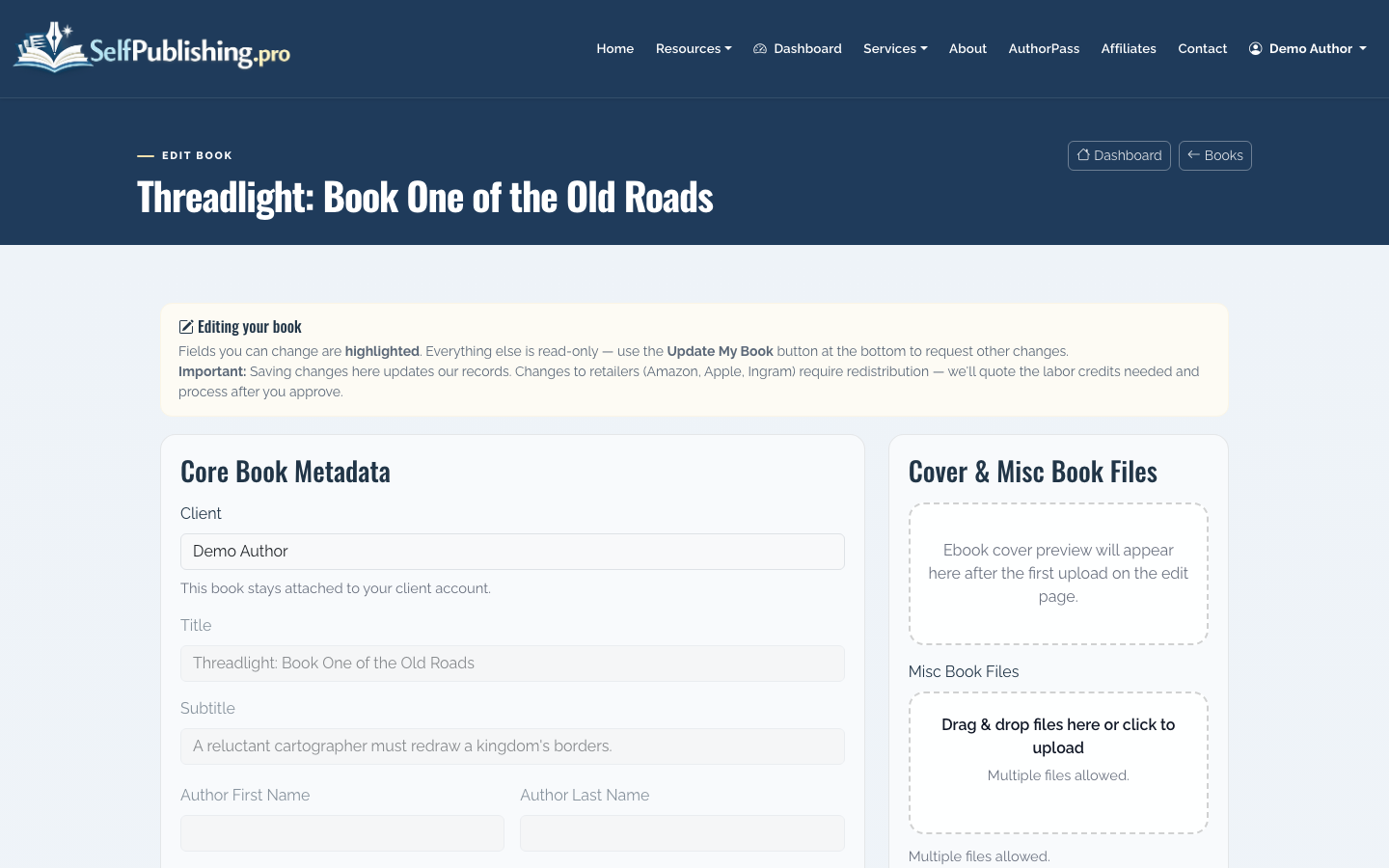
This is also a good time to improve your book description, confirm your BISAC/category choices, and make sure the author name is formatted consistently across every format.
6. Add the ISBN to your book files
For print books, place the ISBN on the copyright page and use it in the back-cover barcode. For ebooks, include the ISBN in the front matter or copyright page if you are assigning one to that ebook edition.
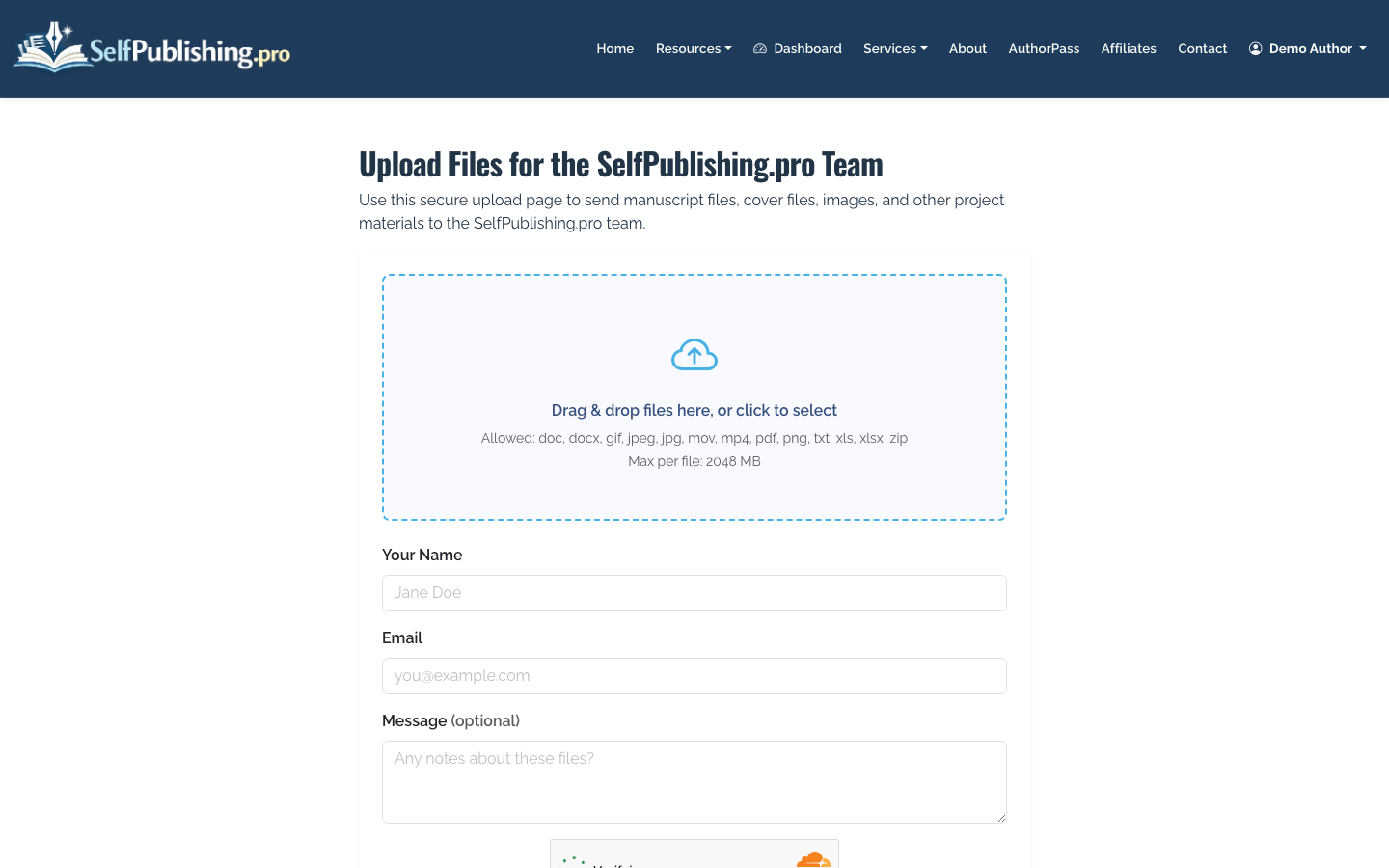
If your files are ready for the SelfPublishing.pro team to prepare or review, upload your manuscript, cover, or production assets through the project upload page.
For print, the barcode belongs on the back cover. Some print services can generate the barcode during setup, while others expect you to provide a final cover file with the barcode already placed.
7. Submit the book for distribution
Once the ISBN is assigned and your metadata is final, you can move into distribution. SelfPublishing.pro supports ebook distribution to 27+ retailers and library partners, print-on-demand through Lightning Source or KDP, and audiobook pathways through ACX or Findaway.
If Amazon is your main channel, read How to Publish a Book on Amazon before deciding whether to use your own ISBN for print, Kindle, or both.
Common ISBN mistakes to avoid
The most common mistake is buying one ISBN and using it everywhere. Retailers need separate identifiers for separate formats because each format has different files, pricing, dimensions, and availability.
Another mistake is assigning an ISBN too early. If you change the title, format, or edition after assignment, you may create messy metadata records that take time to correct.
Finally, do not treat the ISBN as a publishing plan. You still need clean files, a cover that meets retailer specs, a distribution path, accurate categories, and a royalty reporting workflow. The ISBN opens doors, but the metadata and production quality determine how smoothly the book moves through them.
