Before You Start
You can publish a book through a traditional publisher, a hybrid service, or a self-publishing platform. If you are searching for how to get a book published, the first decision is whether you want to pitch agents and publishers or publish your own book directly.
SelfPublishing.pro is built for the direct route: independent authors and small presses who want control over rights, pricing, files, and distribution. You can use DIY tools, purchase specific services, or choose a fuller publishing package.
How to Publish a Book with SelfPublishing.pro
1. Choose Your Publishing Path
Start by deciding how much help you need. If your manuscript is already edited and formatted, you may only need distribution, metadata, cover support, or print setup. If your book needs editing, design, formatting, and launch support, review the services or bundled packages first.
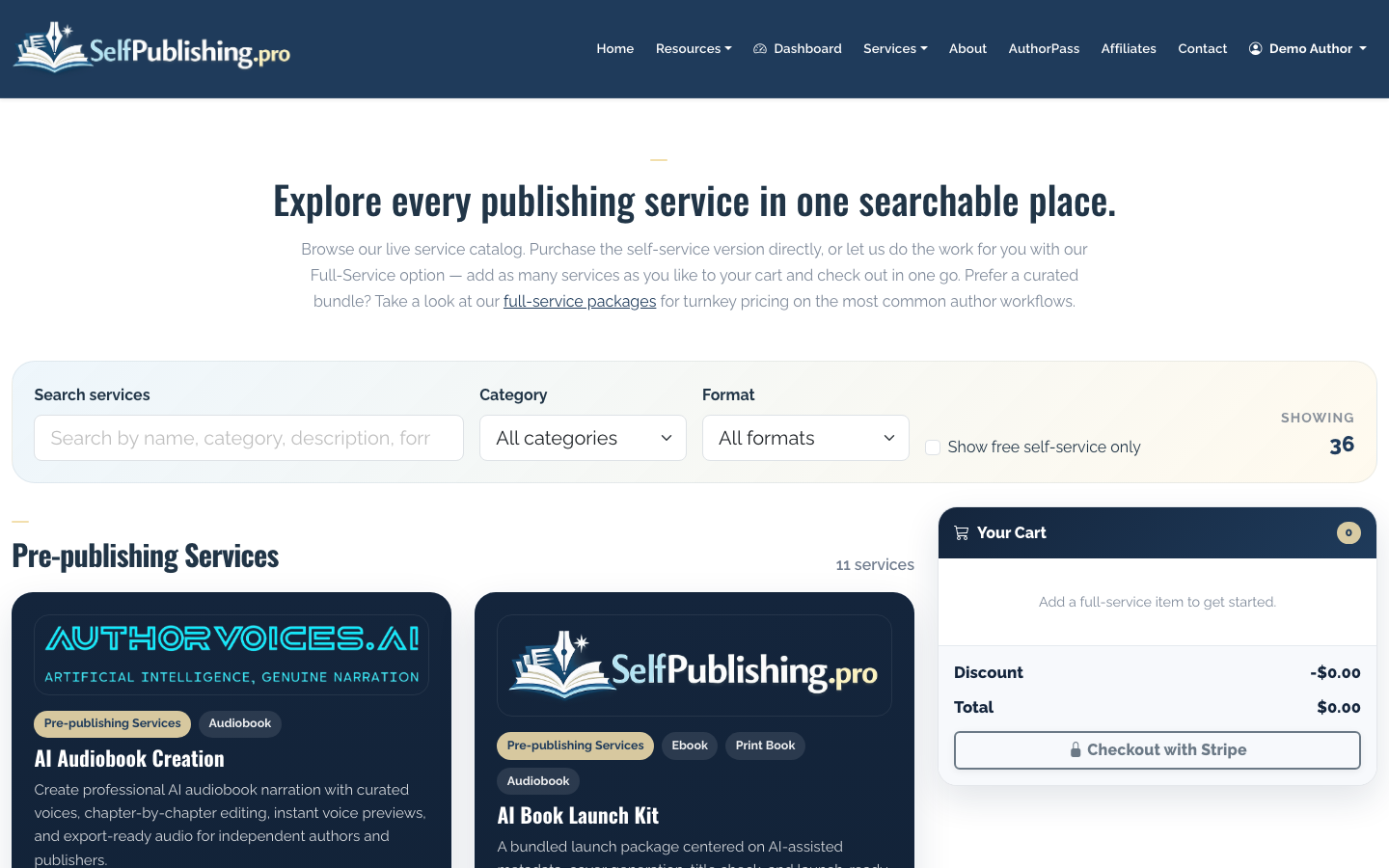
For authors who want a guided route, the packages page groups common publishing needs into full-service options.
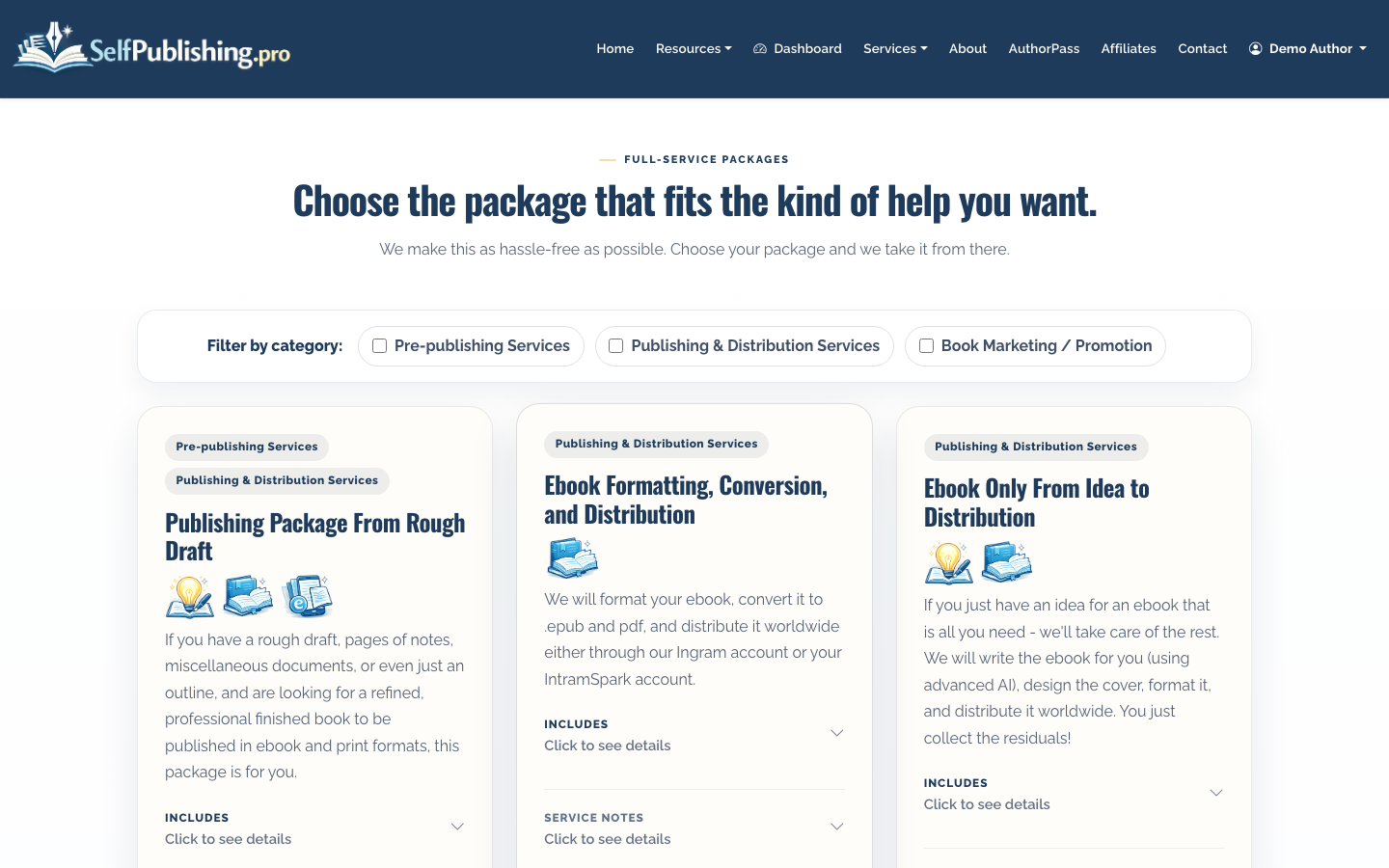
If you are still comparing routes, read How to Self Publish a Book for a broader breakdown of DIY, assisted, and full-service publishing models.
2. Create Your Account
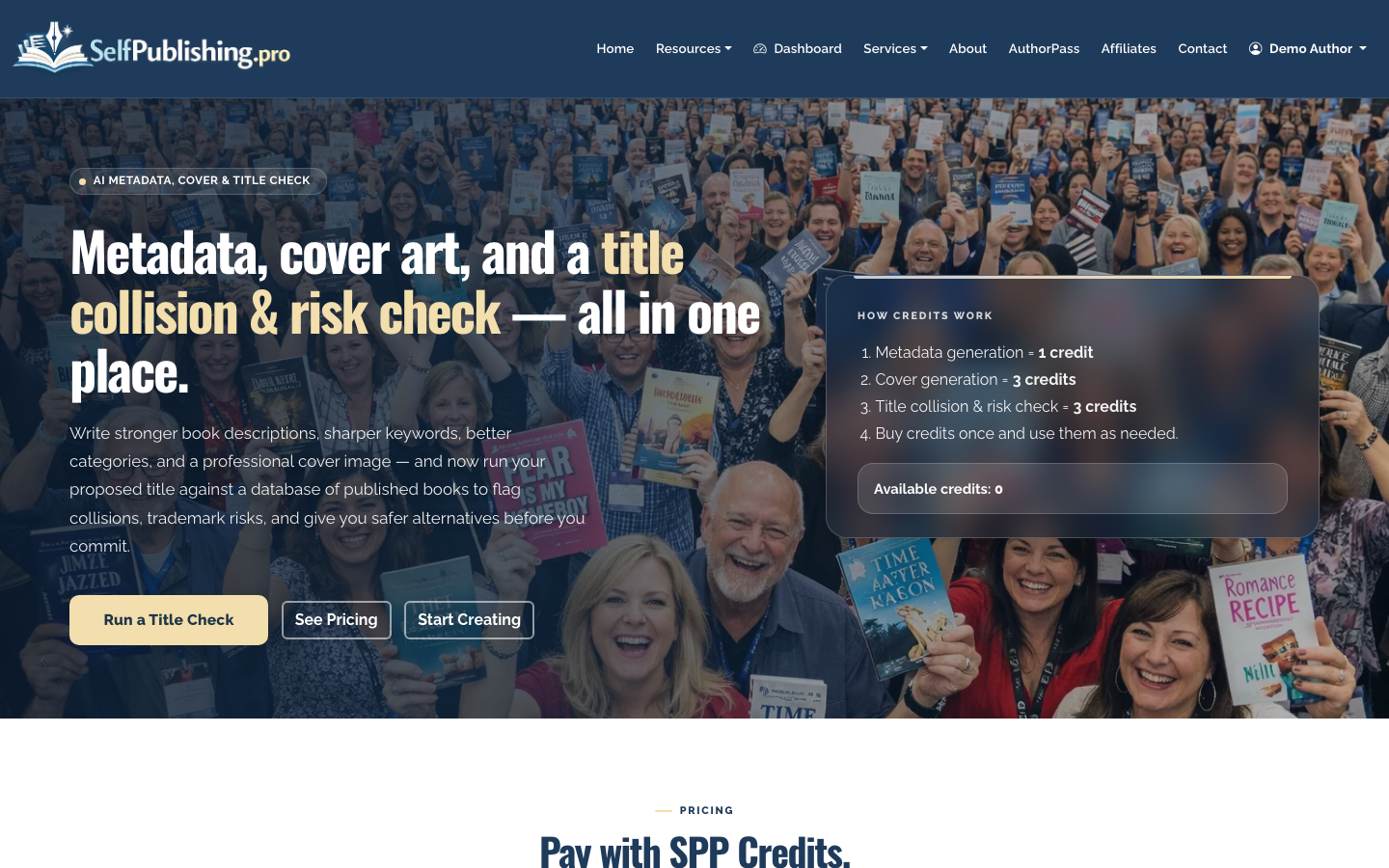
Register with an email and password or Google OAuth. New accounts receive 10 free AI Book Tool credits, which can be used for tasks like metadata generation, cover concepting, and title checks.
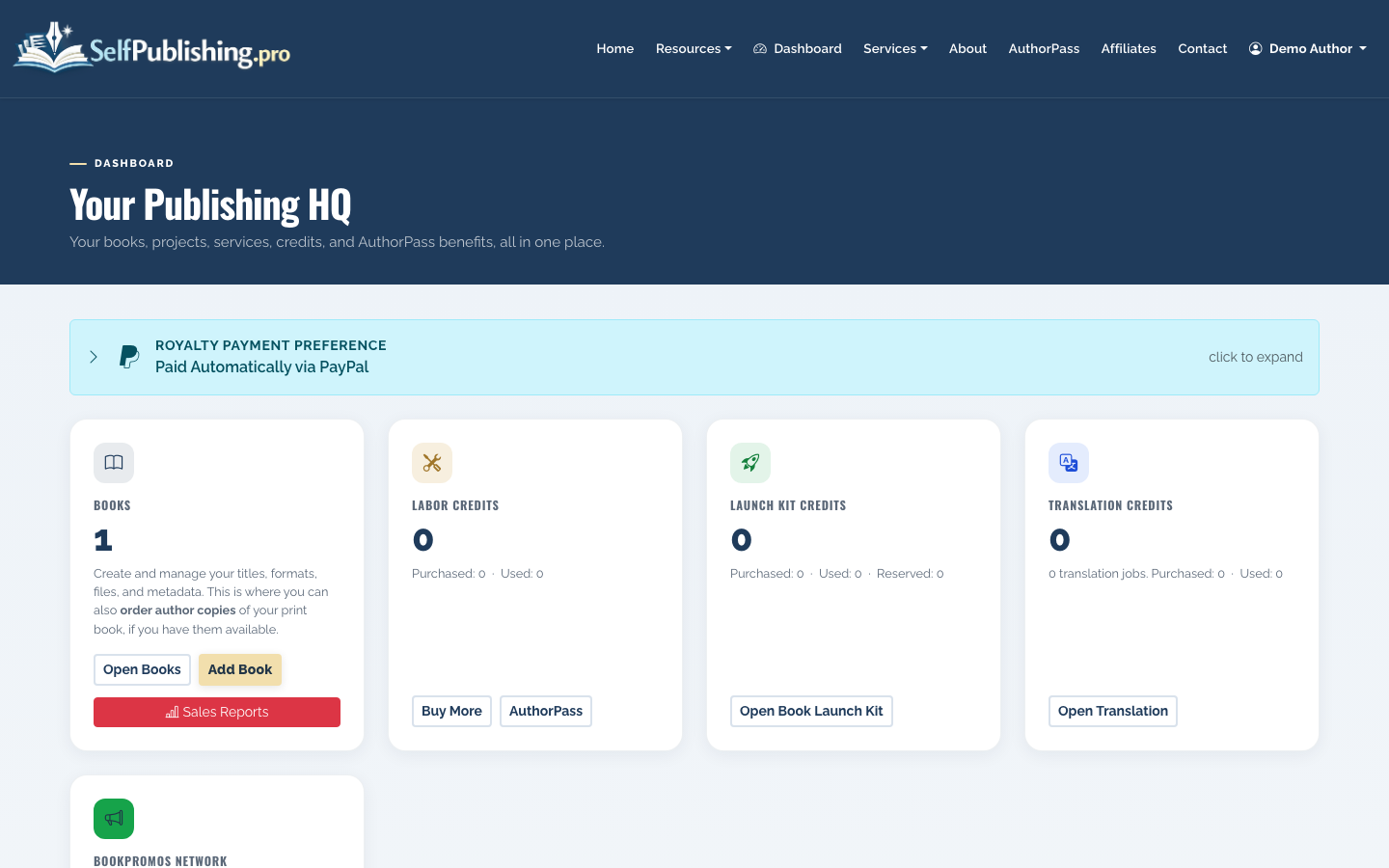
After signup, your dashboard shows your books, project conversations, credit balance, recent activity, and quick actions. This is the main place to manage your publishing work.
3. Add Your Book
Use the add-book workflow to enter the basics: title, author name, description, genre, and the formats you plan to publish. You can start with ebook only, then add paperback, hardcover, or audiobook later.
Once the book is created, it appears in your books list with its current status and available actions.
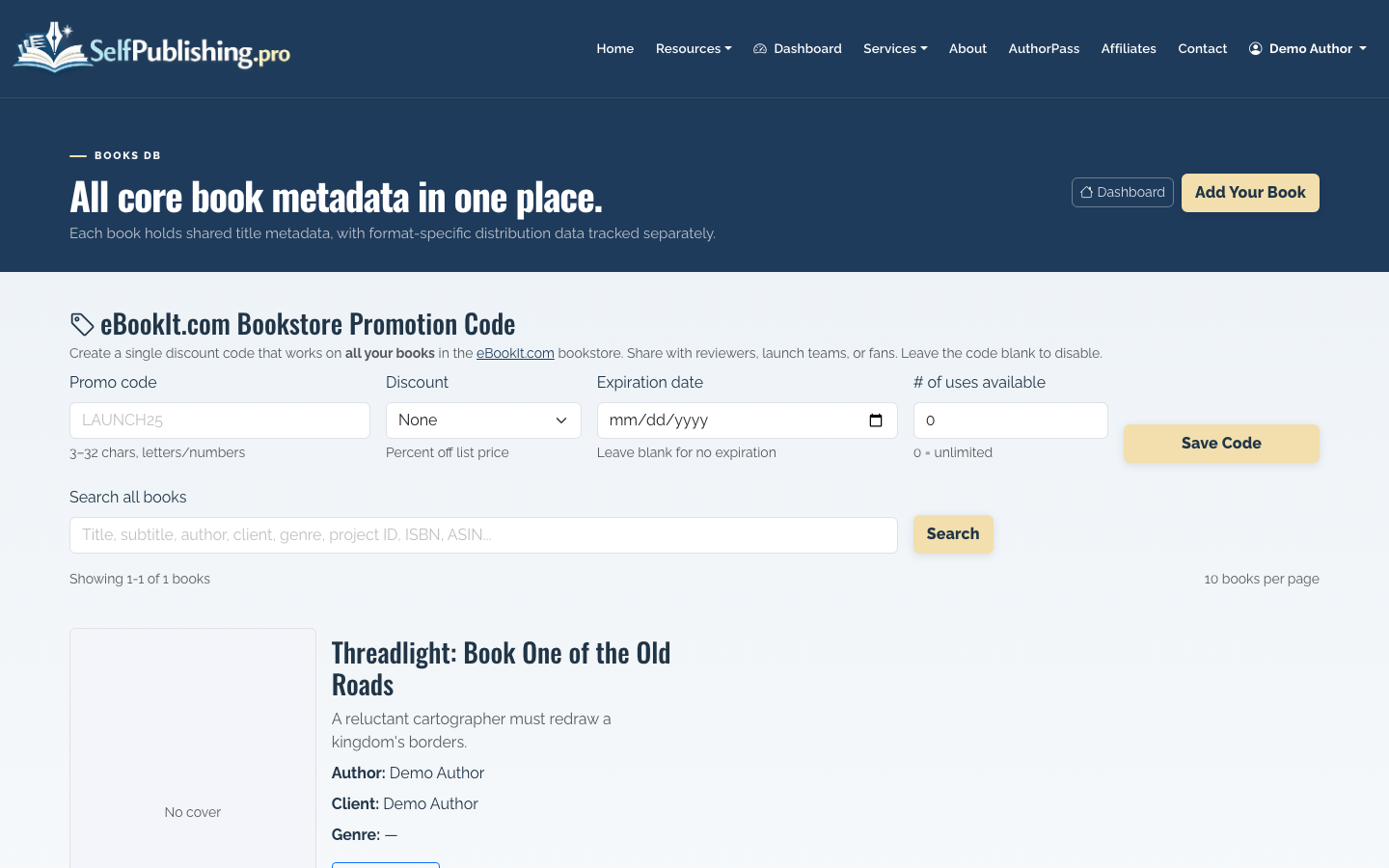
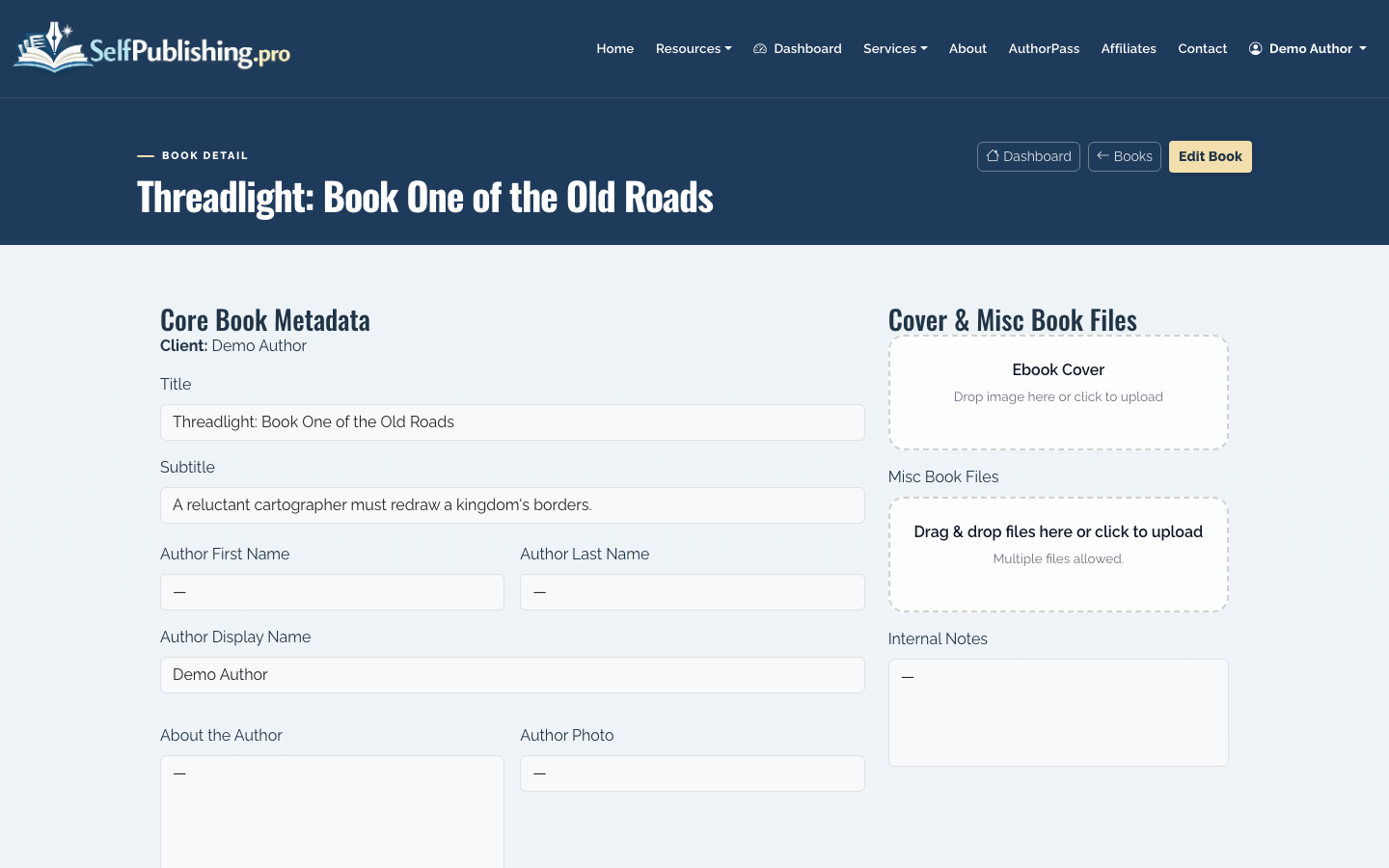
Open the book detail page to review metadata, formats, distribution status, the asset library, and per-format actions.
4. Prepare Your Metadata
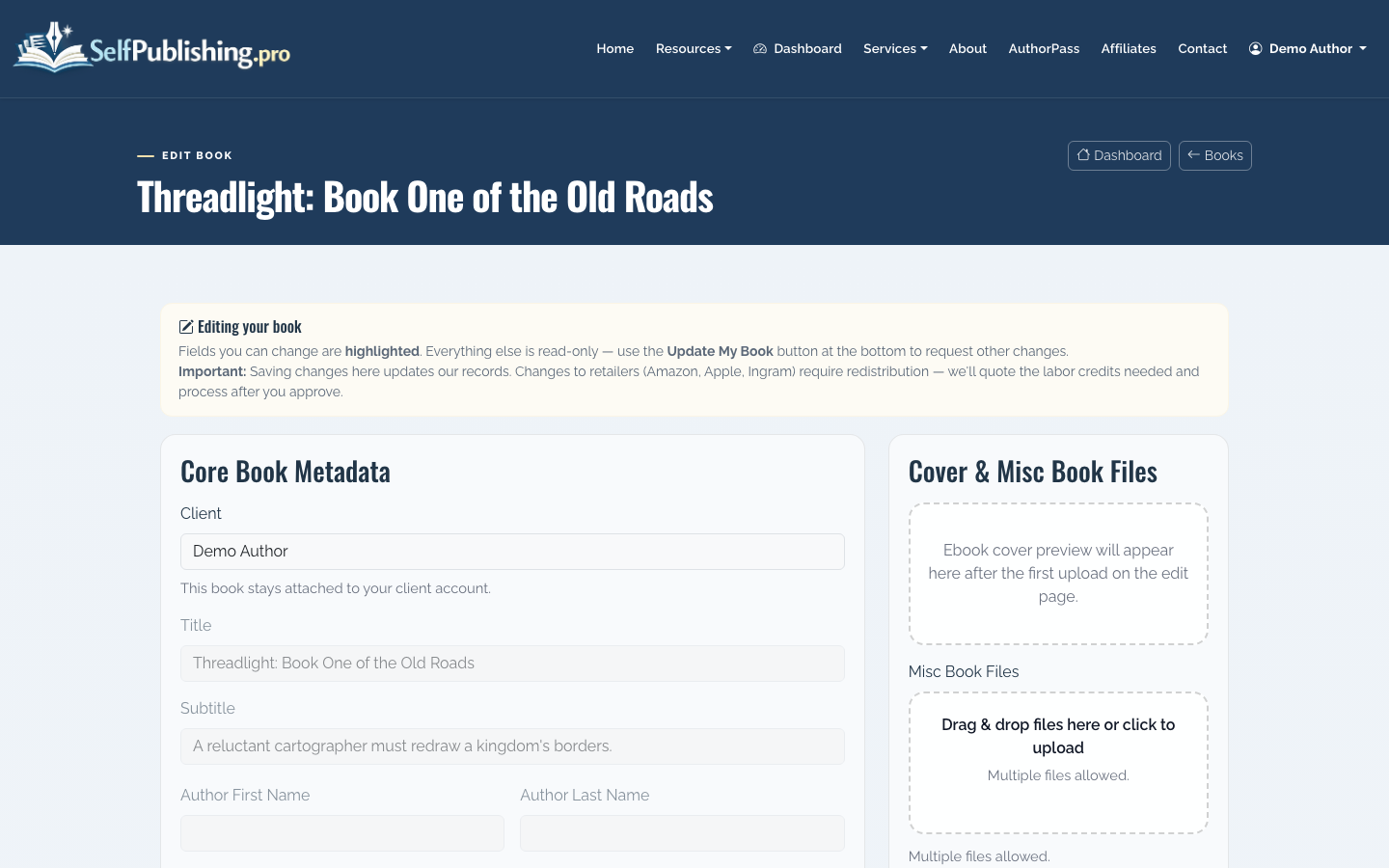
Metadata is the information retailers use to understand and display your book: title, subtitle, author, description, categories, genres, keywords, and SEO fields. Good metadata helps readers decide whether your book is relevant; bad metadata makes even a strong book harder to find.
Edit your book details carefully. Keep the description benefit-driven, accurate, and specific. For nonfiction, lead with the reader problem and the outcome. For fiction, lead with character, conflict, and stakes.
You can also use the AI Book Tools page for metadata generation, title checks, and cover art concepts using credits.
5. Upload Your Manuscript and Assets
If the SelfPublishing.pro team is helping with formatting, cover design, distribution setup, or another service, upload your manuscript and project assets through the file upload page. The upload page does not require login, which makes it useful for sending large files quickly.
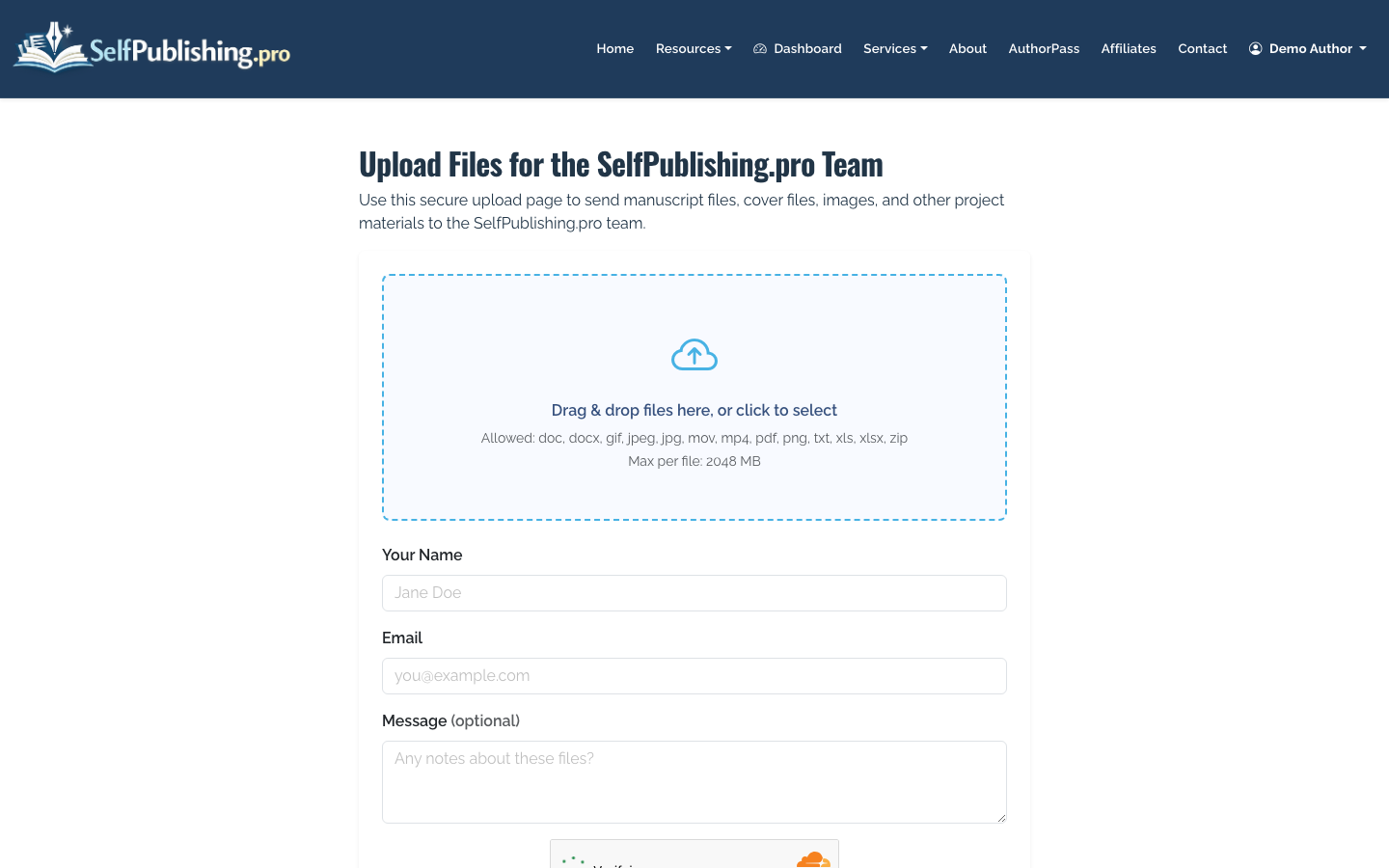
Typical files include:
- Final manuscript in Word or PDF
- Cover files or design references
- Author photo and bio
- ISBN information, if you already have it
- Interior images, charts, maps, or illustrations
- Any previous EPUB, MOBI, PDF, or print-ready files
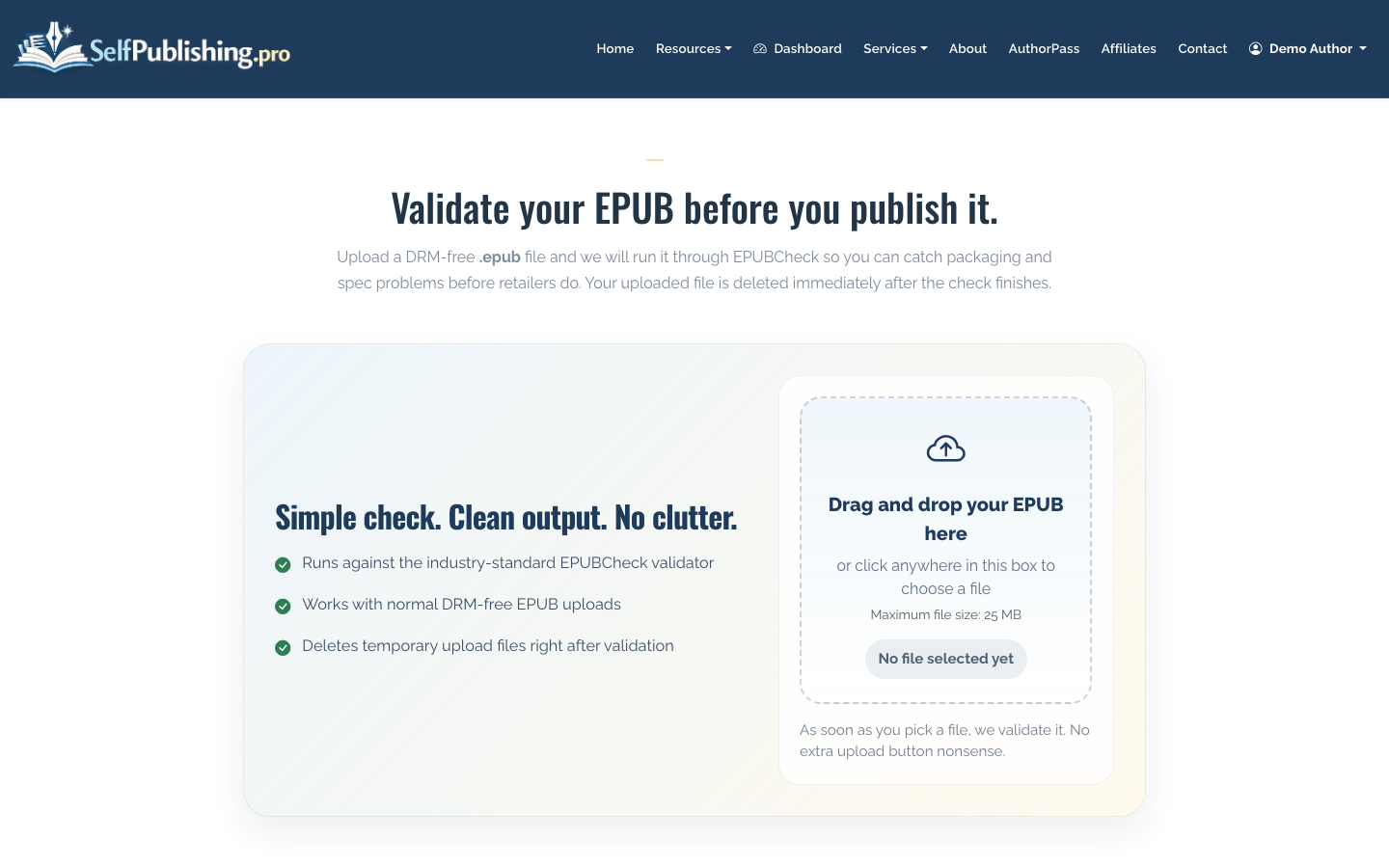
If your book is already in EPUB format, validate it before distribution. Retailers often reject EPUB files for small technical issues, even when the book looks fine in a reader app.
6. Select Distribution Channels
SelfPublishing.pro supports ebook distribution to 27+ retailers and library partners. For print-on-demand, you can use Lightning Source or KDP. For audiobook distribution, you can use ACX or Findaway.
If Amazon is your main focus, compare this workflow with How to Publish a Book on Amazon. If you only want Amazon and no wide distribution, How to Self Publish on Amazon may be the better next read.
The tradeoff is simple: publishing wide gives you broader reach and library access, while Amazon-only strategies can be simpler to manage. Many authors start with ebook distribution first, then add print and audiobook once the main listing is stable.
7. Review Costs, Credits, and Optional Support
Some authors only need one-time services. Others prefer ongoing help. AuthorPass costs $50 per month or $500 per year and includes 15 monthly labor credits plus partner platform benefits.
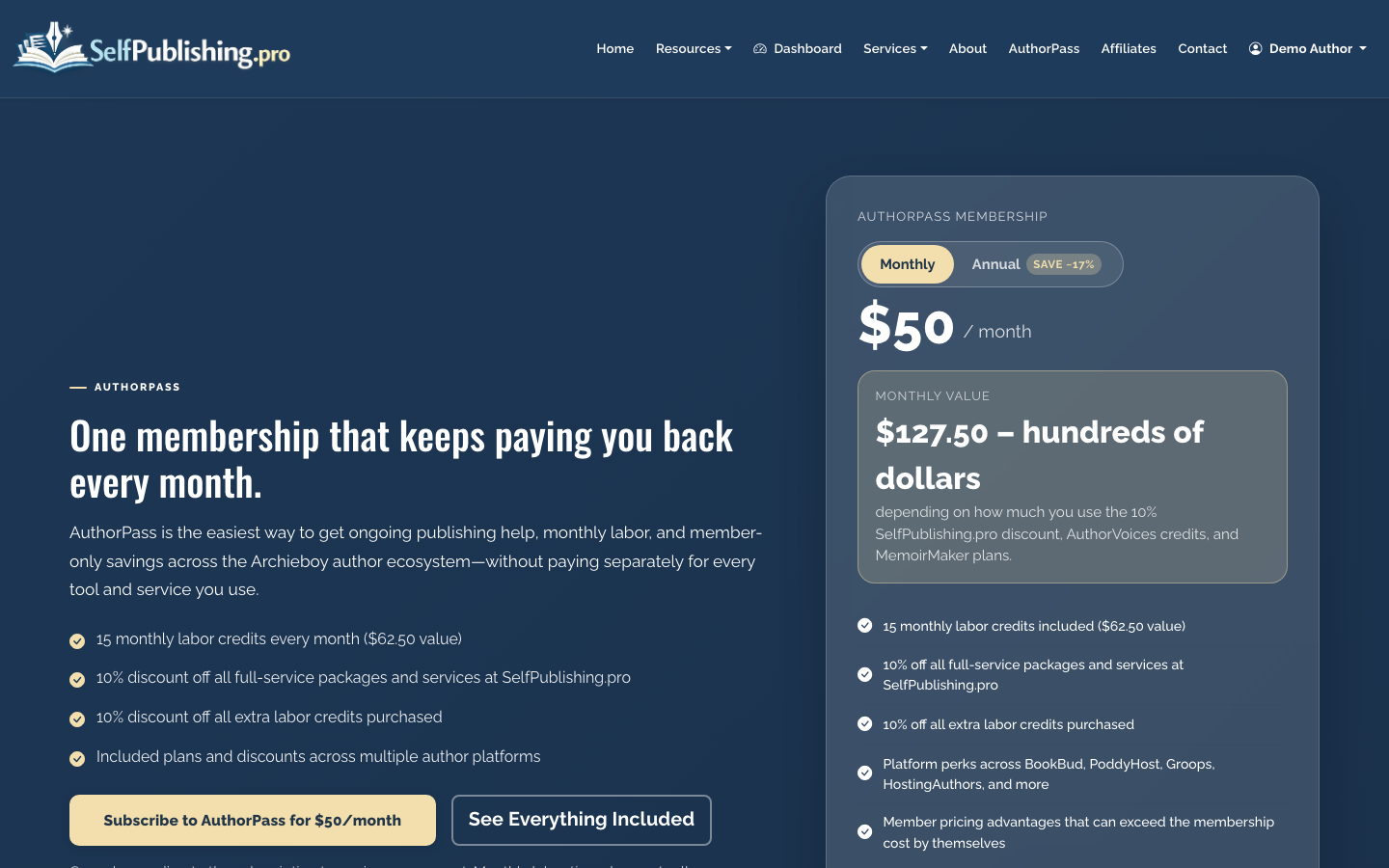
You can also purchase credit packs or pay for one-time services through Stripe checkout. Credits are useful when you have recurring production tasks but do not need a full package.
8. Track Royalties and Payouts
After your book is live and retailers begin reporting sales, monthly royalty reports show breakdowns by retailer and format. You can also download spreadsheets for your own records.
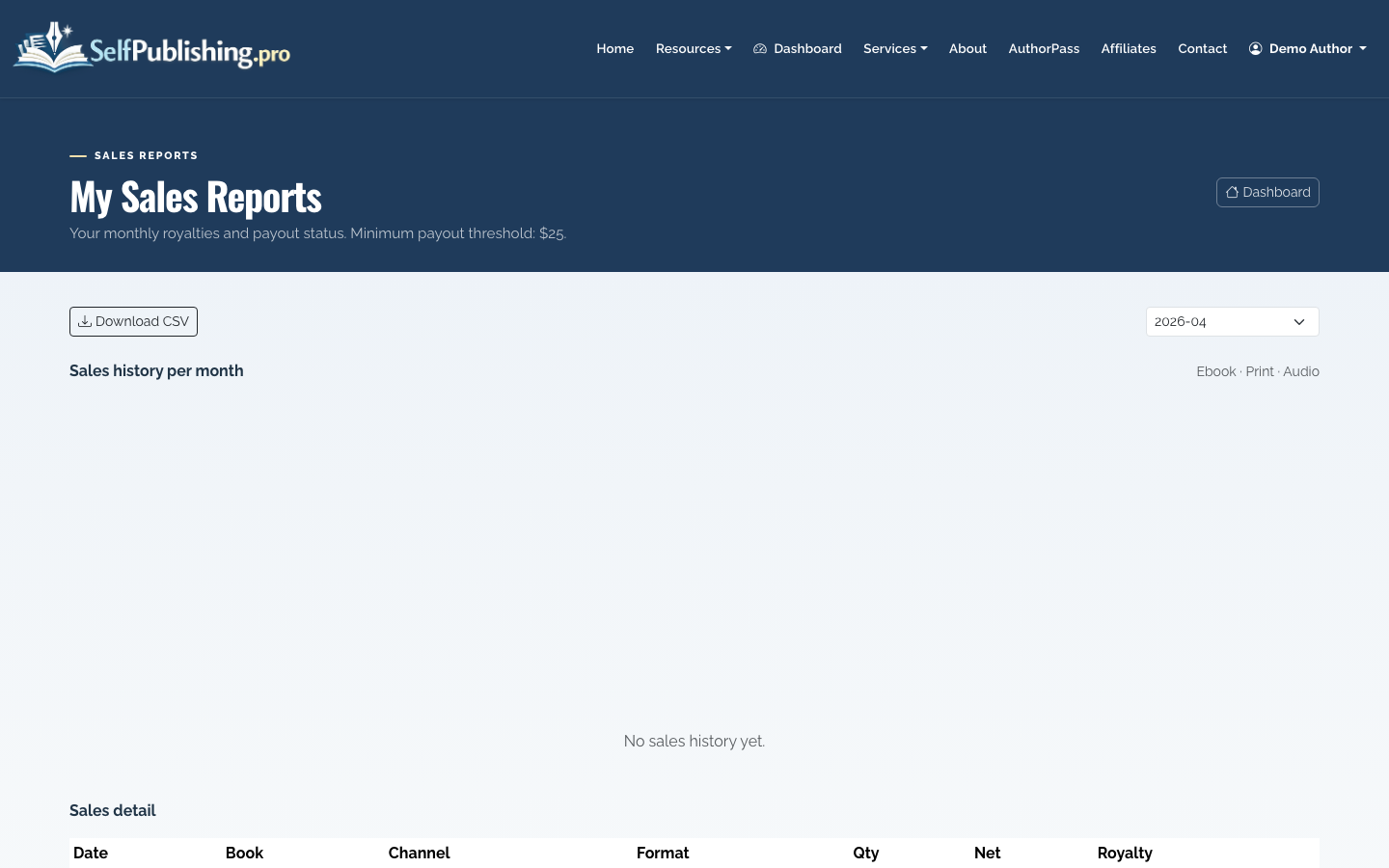
Payouts are available by PayPal by default or bank transfer, with a $25 minimum threshold. Retailer reporting is not instant; sales may appear weeks or months after the transaction depending on the channel.
How Long Does It Take to Publish a Book?
A clean ebook can often move from final files to distribution setup in days. Print books usually take longer because cover dimensions, trim size, proofing, and retailer approval add steps. Audiobooks take longer still because narration, production review, and platform approval are more involved.
As a practical planning range:
- Ebook-only launch: 1 to 3 weeks after final files
- Ebook plus print: 3 to 6 weeks
- Full-service project with editing and design: 2 to 6 months
- Audiobook production and distribution: often 1 to 4 months
The biggest variable is not the platform. It is whether the manuscript, cover, metadata, and interior files are truly ready.
What Happens After Publication?
Publishing is the start of the sales cycle, not the end. After launch, check your retailer listings, monitor royalty reports, update metadata when needed, and keep your author platform active. If you plan to publish more than one book, treat the first project as the foundation for a repeatable publishing process.
That is the practical answer to how do you publish a book on your own: create professional files, package the book correctly, distribute it to the right channels, and keep managing the book after it goes live.
