Before you start
A clean self-publishing process starts with knowing what you are publishing and where it needs to go. A novel, memoir, workbook, illustrated children’s book, and academic title can all be self-published, but they do not have the same production needs.
For most authors, the core path is:
- Finish and edit the manuscript
- Prepare metadata: title, subtitle, description, keywords, categories, author name
- Create or commission a cover
- Format ebook and print files
- Validate files before distribution
- Distribute to retailers and libraries
- Track royalties and payouts
If you are still comparing routes, start with how to publish a book. If Amazon is your main focus, read how to self publish on Amazon after this guide.
How to self publish a book in SelfPublishing.pro
1. Create your author account
Sign up with email and password or Google OAuth. New accounts receive 10 free AI Book Tool credits, which can help with early metadata, cover concepting, or a title check.
Once you are in, the dashboard gives you access to your books, credit balance, project conversations, recent activity, and quick actions.
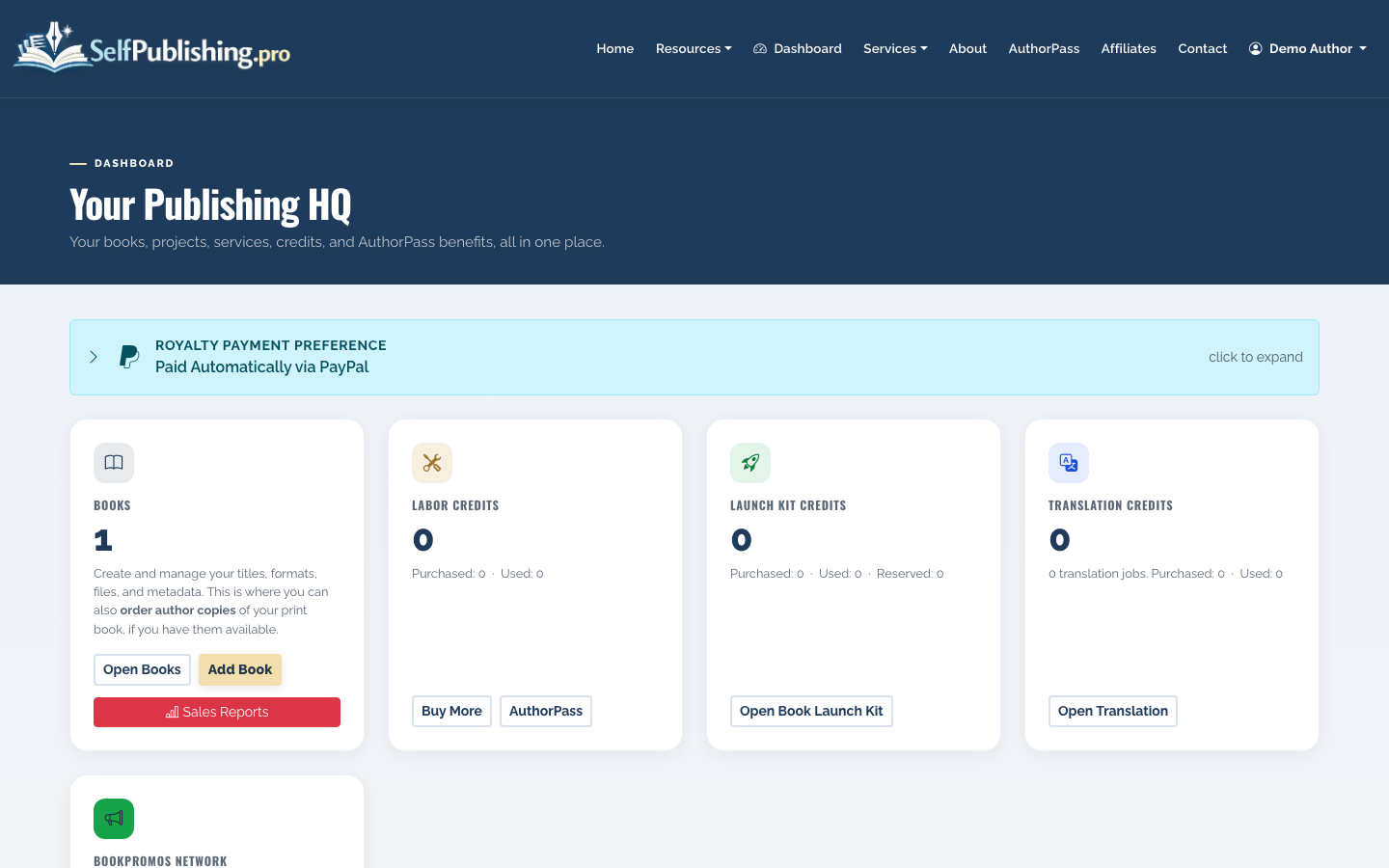
Use the dashboard as your working hub. If you are managing more than one title, this matters: each book needs its own metadata, files, distribution status, and royalty history.
2. Add your book
Create a new book and enter the basics: title, author name, description, genre, and intended formats. You can self publish an ebook only, a print edition only, or both. Many authors start with ebook plus paperback, then add hardcover or audiobook later.
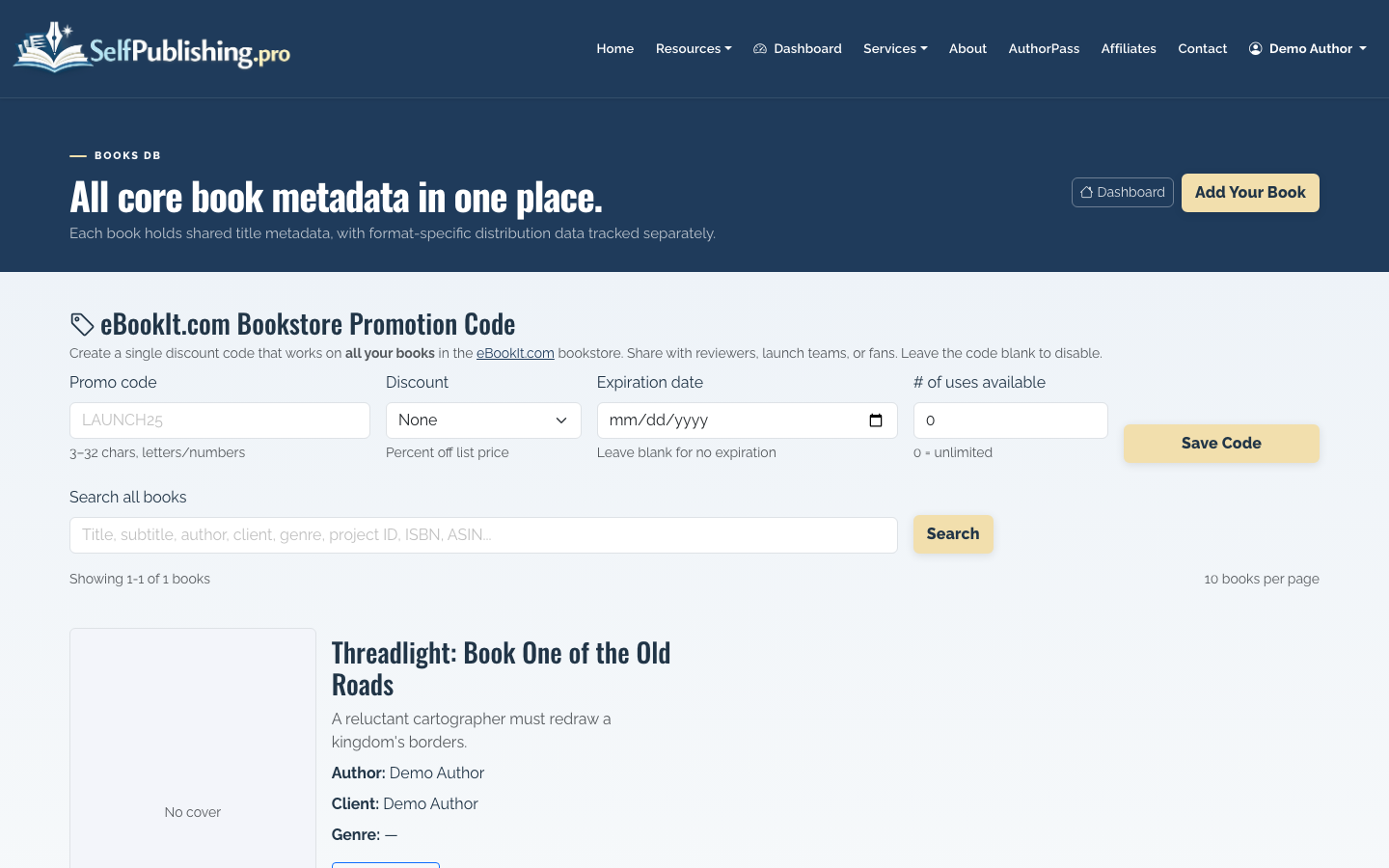
If you are wondering “how do I self publish a book without getting stuck on setup?”, the answer is to start with the minimum complete record. You can refine metadata, categories, and descriptions before distribution.
3. Edit your book metadata
Open the book record and update the details that retailers use to list and recommend the book. This includes title, author, description, genre, categories, and SEO metadata.
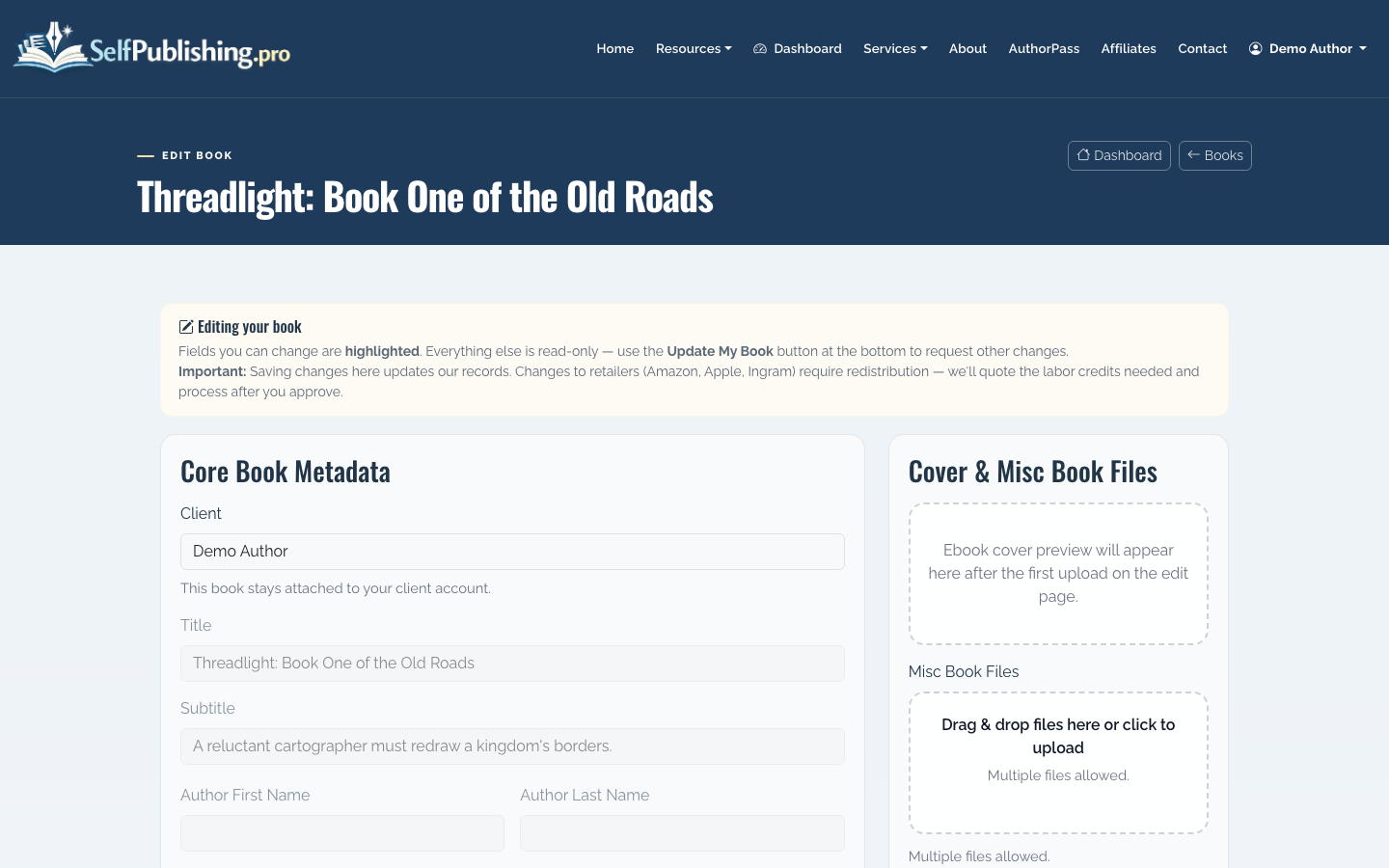
Good metadata is not just administrative. It affects whether readers understand the book, whether retailer search can place it correctly, and whether your sales page converts.
For a novel, make the description sound like reader-facing jacket copy, not a plot summary. Lead with character, conflict, stakes, and tone. For nonfiction, lead with the reader’s problem and the outcome the book helps create.
4. Use AI Book Tools where they save time
SelfPublishing.pro includes AI Book Tools for metadata generation, cover art generation, and title checking. These tools are credit-based, so use them where they reduce friction rather than replacing judgment.
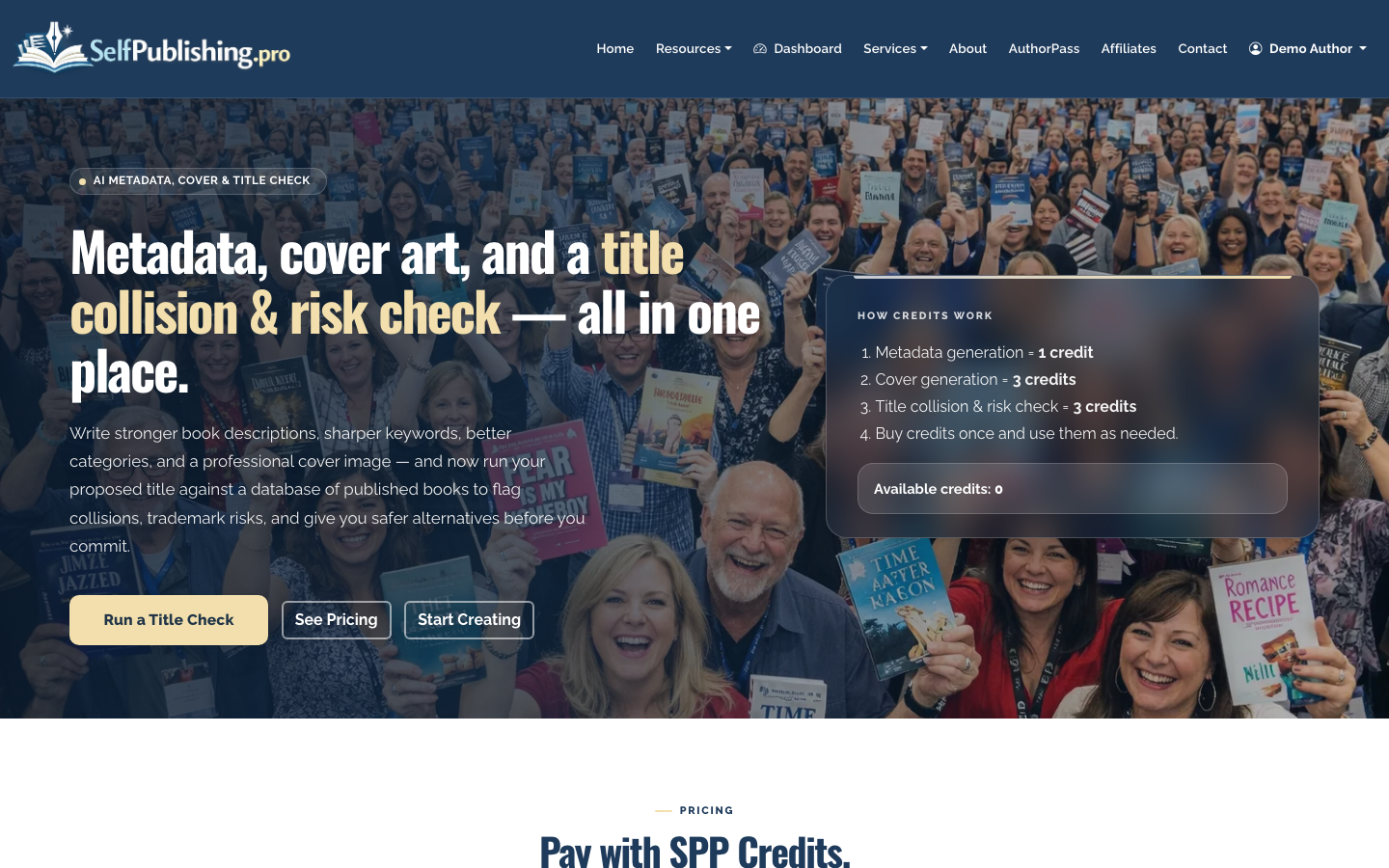
A practical workflow is to generate several metadata drafts, then edit the best one in your own voice. For cover art, use AI concepts to explore direction, mood, and composition, especially before commissioning a final cover or testing genre expectations.
Title checks are useful when you want to spot obvious conflicts, confusing phrasing, or weak discoverability before committing to a final name.
5. Prepare and upload your manuscript and assets
If the SelfPublishing.pro team is helping with formatting, conversion, cover work, or a full-service package, upload manuscript files and assets through the project upload page. The upload page does not require login, which is useful when collaborators need to send files.
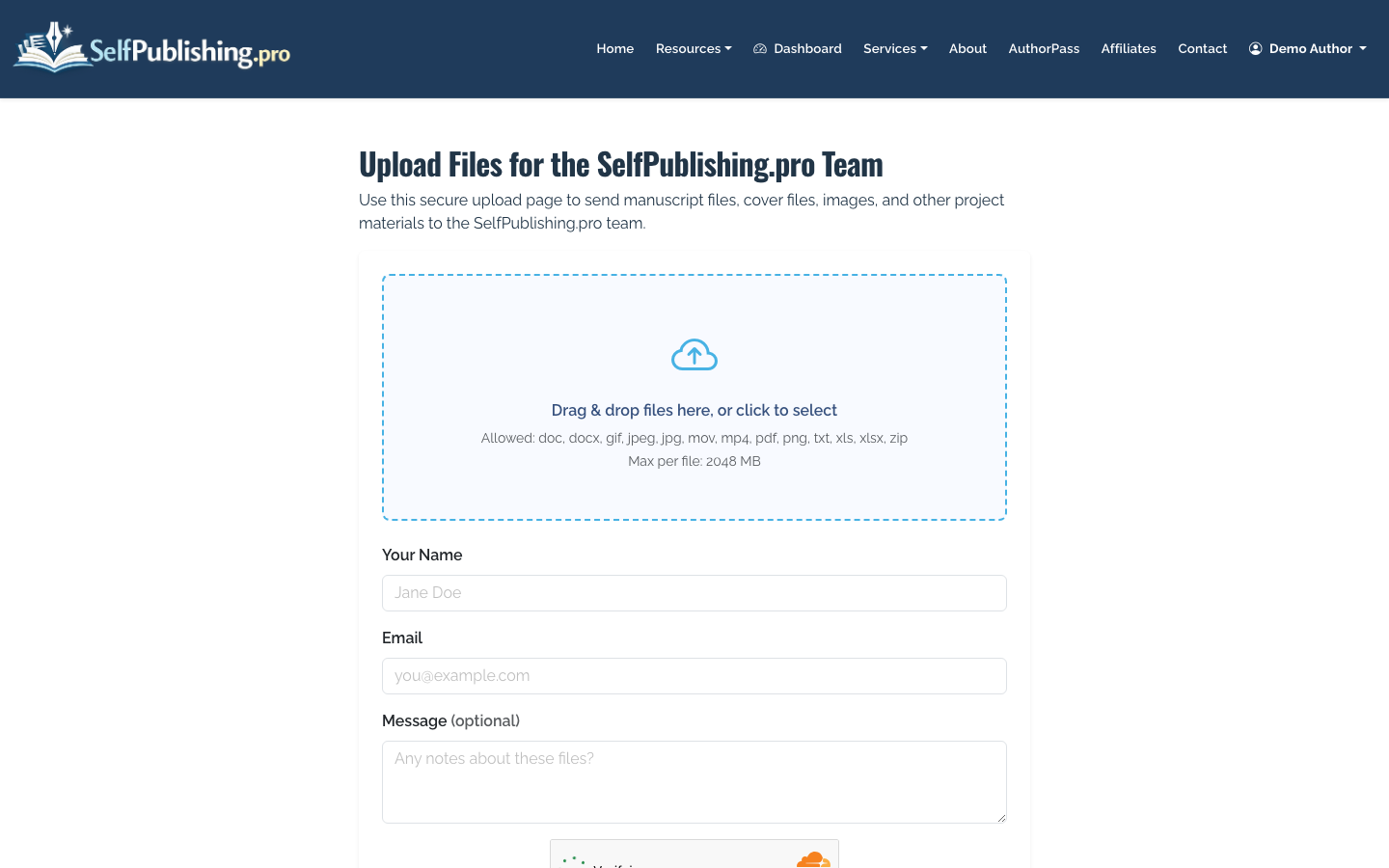
Use clear filenames such as NovelTitle_final_manuscript.docx, NovelTitle_cover_front.jpg, or AuthorHeadshot_300dpi.jpg. Version control matters because a small mistake in the wrong manuscript file can become expensive after layout.
6. Choose DIY services, AuthorPass, or a package
Self-publishing does not require you to do everything alone. You can buy à-la-carte services, use AuthorPass labor credits, or choose a bundled full-service publishing package.
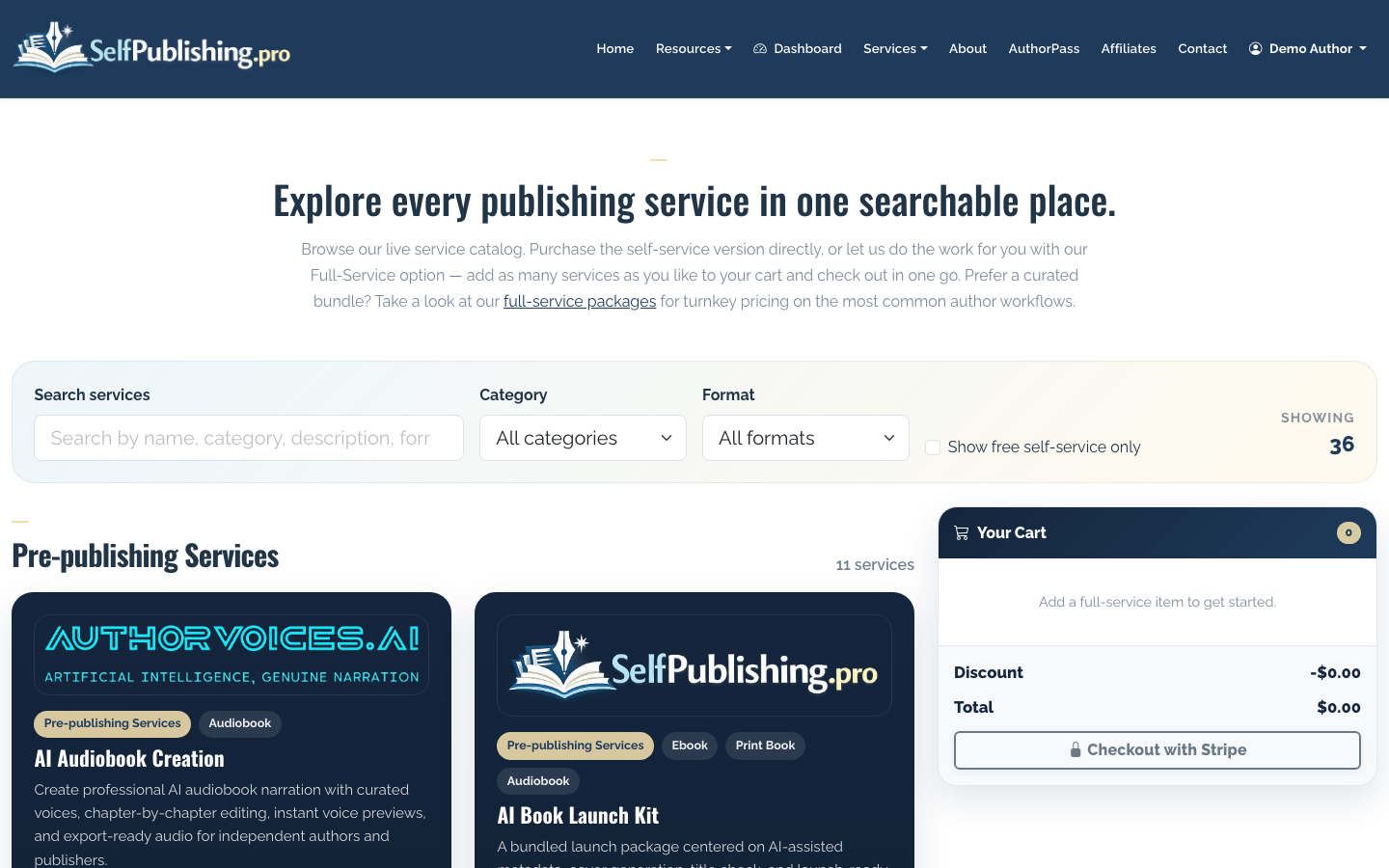
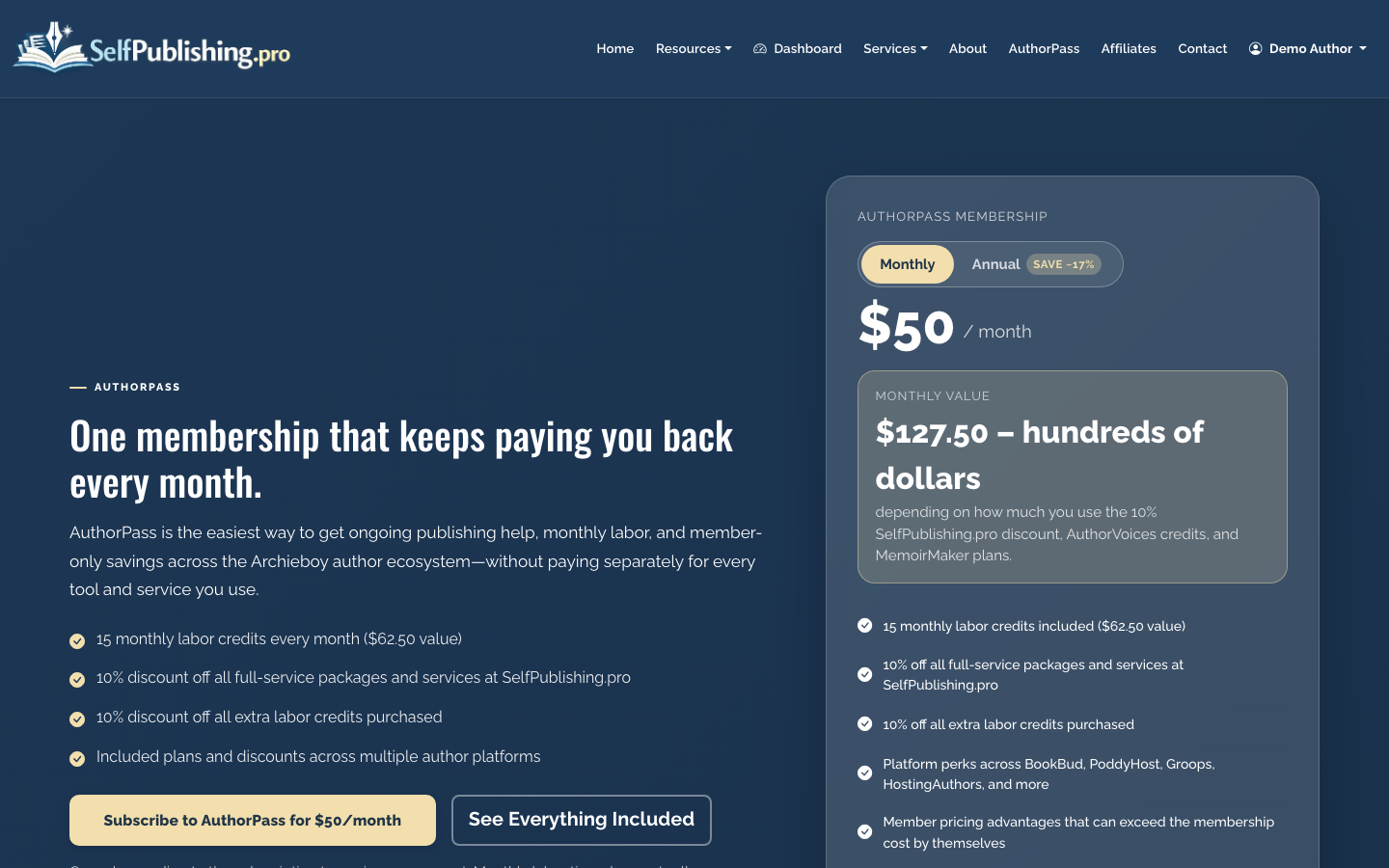
À-la-carte services work well when you know the exact gap: editing, cover design, formatting, distribution setup, marketing support, or file conversion. AuthorPass is better if you expect ongoing help across multiple tasks; it includes 15 monthly labor credits for $50/month or $500/year, plus partner platform benefits.
Packages make sense when you want the project managed end to end instead of assembling individual services.
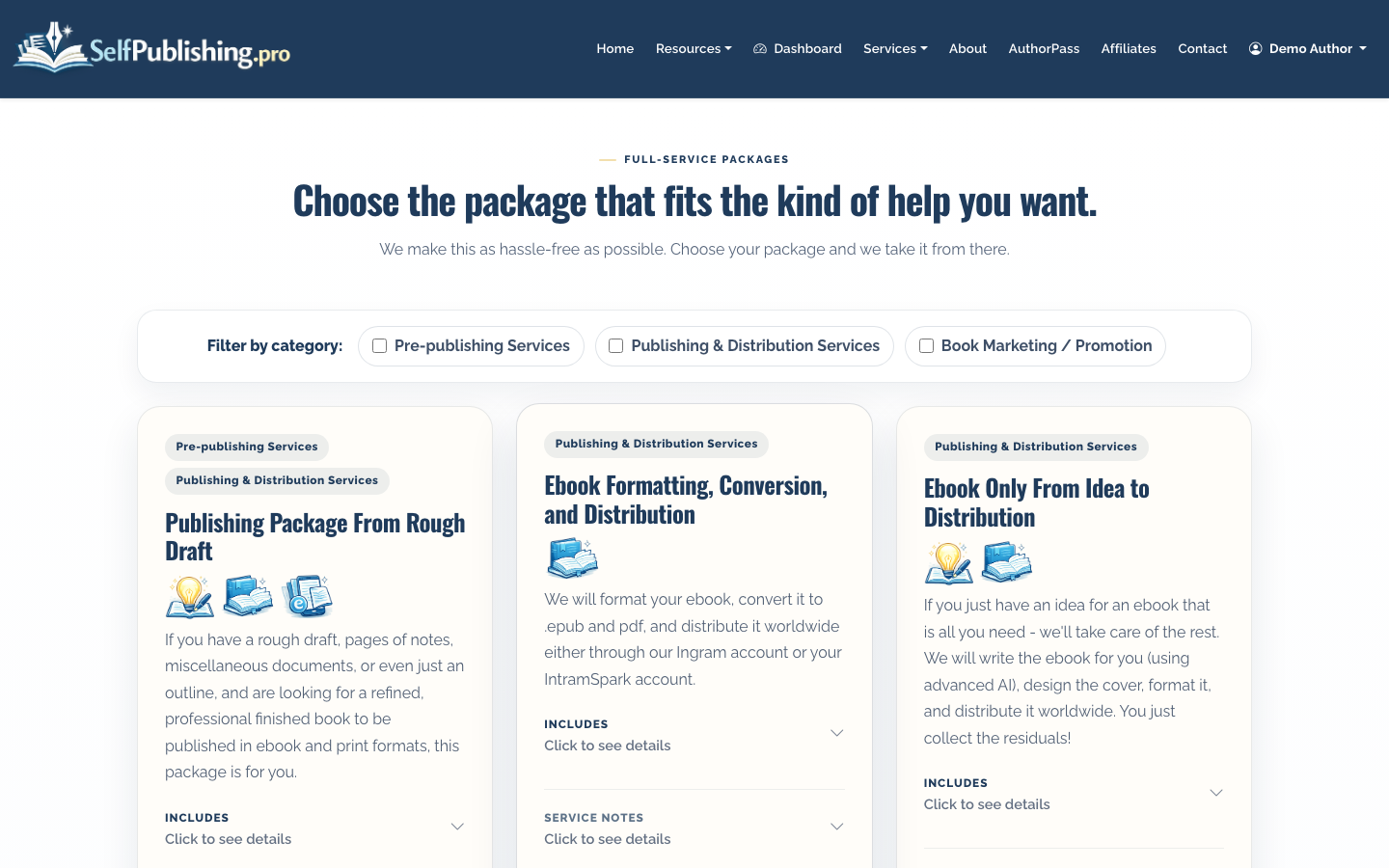
The tradeoff is control versus convenience. DIY keeps costs lower but requires more time and attention. Full-service support costs more, but it reduces coordination work and catches mistakes earlier.
7. Validate your ebook file before distribution
Before sending an EPUB to retailers, run it through the EPUB validator. Validation helps catch technical issues that can cause rejection or bad reader experiences.
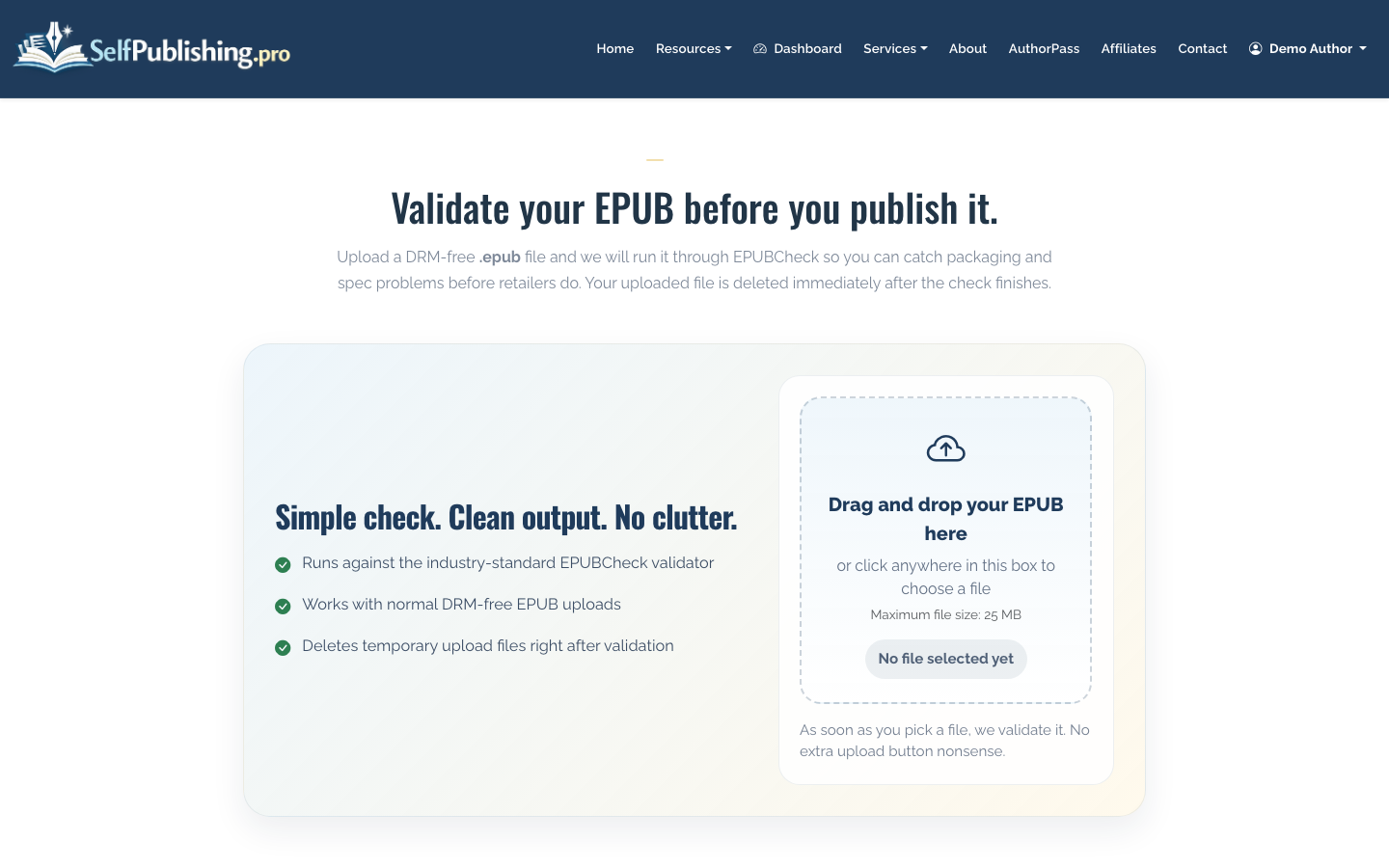
Common issues include broken navigation, missing metadata, image problems, invalid tables of contents, or formatting errors introduced during conversion. Fixing these before distribution is easier than correcting them after retailers ingest the file.
8. Distribute the book
SelfPublishing.pro supports ebook distribution to 27+ retailers and library partners. For print-on-demand, you can use Lightning Source or KDP. For audiobook, distribution can run through ACX or Findaway.
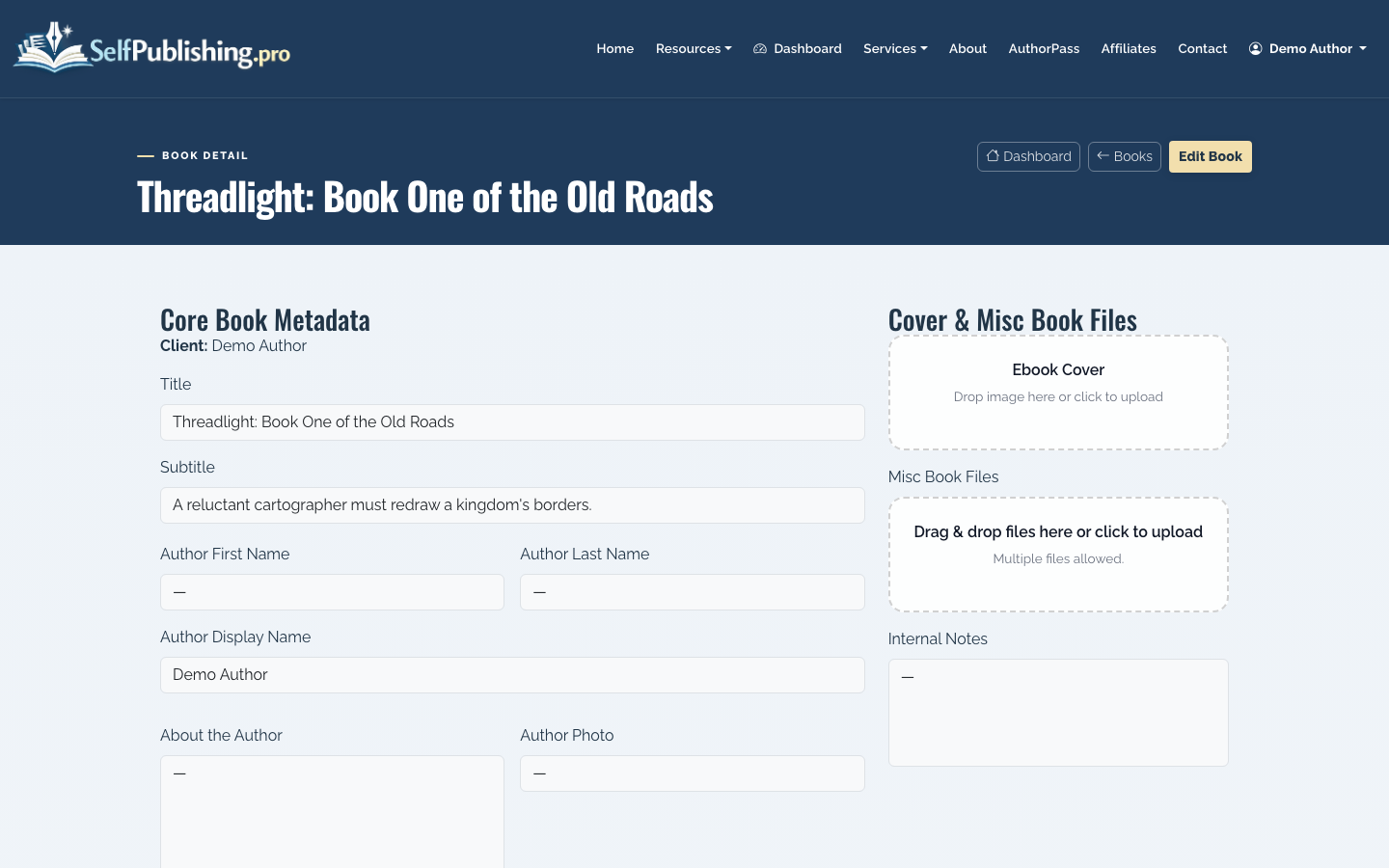
Open the book detail page to review metadata, formats, distribution status, asset library, and per-format actions.
If you only care about Amazon at first, compare this workflow with how to publish a book on Amazon. Amazon-first can be simpler, but wide distribution gives you access to other ebook stores, library channels, and readers who do not buy through Kindle.
9. Track royalties and payouts
After the book is live, royalties arrive on retailer timelines, not instantly. SelfPublishing.pro provides monthly royalty reports with per-retailer breakdowns and spreadsheet downloads.
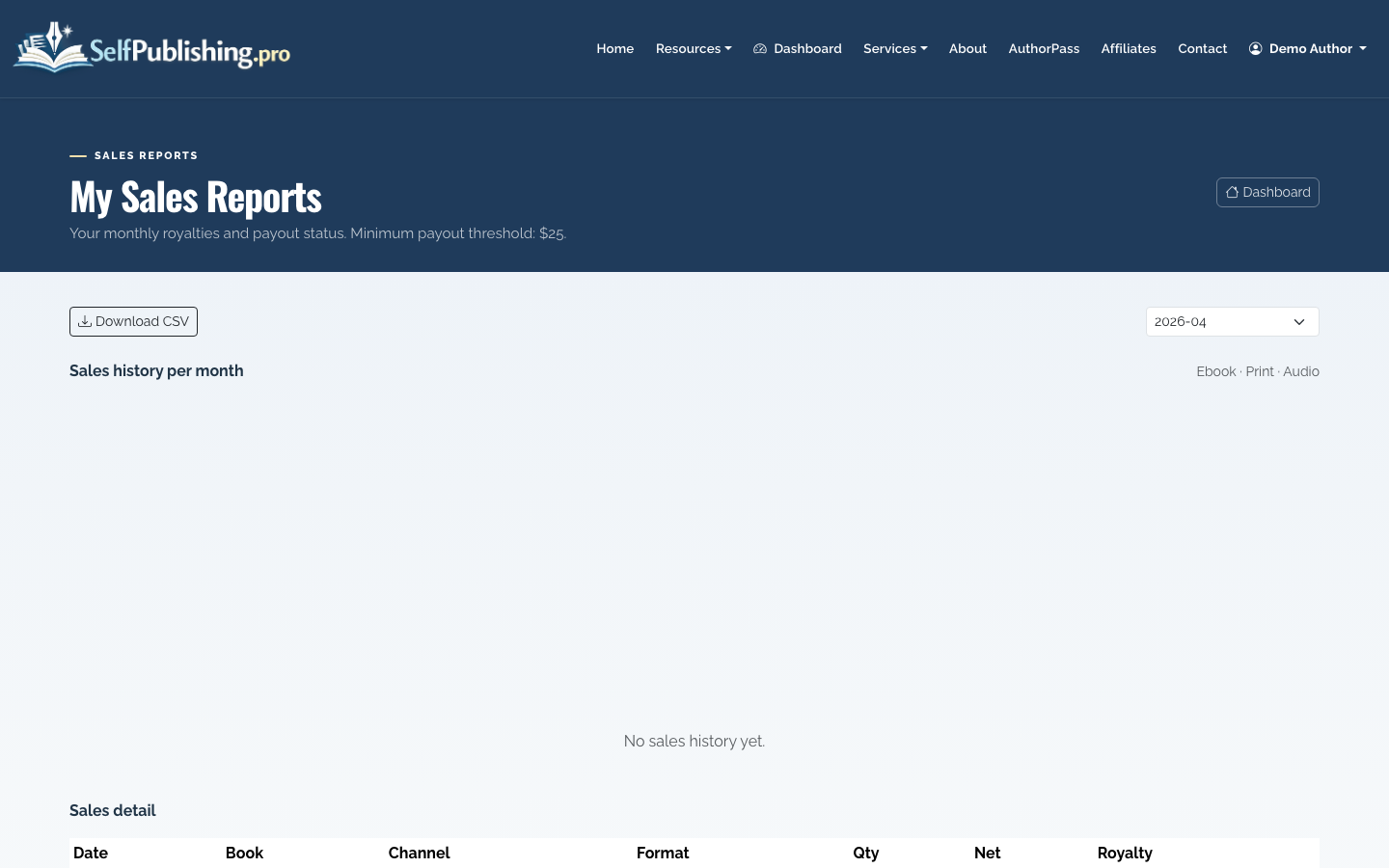
Payouts can be sent by PayPal, which is the default, or bank transfer. The minimum payout threshold is $25. Use the reports to compare formats, retailers, and months instead of judging performance from a single sales spike.
What does it cost to self publish?
The minimum cost can be low if you handle editing, formatting, cover design, and distribution yourself. The realistic professional budget is usually higher because readers judge a self-published book by the same standards as any other book.
Typical cost areas include:
- Editing or proofreading
- Cover design or cover art
- Ebook and print formatting
- ISBNs, depending on your publishing setup
- Distribution setup or managed publishing help
- Marketing assets, ads, or launch support
SelfPublishing.pro supports both DIY and paid-service paths, so you can start lean and buy help only where quality or time matters most.
Final checklist before publishing
Before you press publish or approve distribution, confirm:
- The title, subtitle, and author name are final
- The description has been proofread
- Categories and genres match reader expectations
- Ebook and print files have been checked
- The cover looks correct at thumbnail size
- Pricing is intentional for each format
- Royalty and payout settings are complete
That is the practical answer to “how do you self publish?” You build a clean book record, prepare professional files, choose the right distribution path, and keep enough control to improve the book after launch.
After the upload
Once your files are ready, support the book with a strong ISBN strategy, professional book reviews, and a simple system to track royalties and sales data across platforms.
