Before You Start: Know Which Barnes & Noble Placement You Want
For most self-published authors, the realistic goal is availability, not automatic shelf placement. Barnes & Noble Press can publish ebooks and print books, but its own help center says B&N Press print projects are sold on BN.com and the Barnes & Noble app; publishing through B&N Press does not automatically place the book in physical bookstores.
If you want retail discoverability beyond BN.com, the usual route is wide print distribution through Lightning Source/Ingram. Barnes & Noble states that it obtains print-on-demand titles through Lightning Source/Ingram, which is why many authors use Ingram-based distribution for bookstore-orderable print editions.
Step 1: Prepare Your Book for Retail Metadata Standards
Start with the basics that Barnes & Noble, Ingram, and other retailers need to list a book cleanly:
- Final title and subtitle
- Author name and contributor names
- Short and long book descriptions
- BISAC categories or genre positioning
- Keywords and comparable titles
- ISBN for each format
- Final ebook file, usually EPUB
- Print-ready interior PDF
- Print cover PDF built to the correct trim, page count, and paper type
If you are still deciding between publishing routes, read How to Publish a Book first. Barnes & Noble access is easier when the book’s formats, ISBNs, and rights are planned before upload.
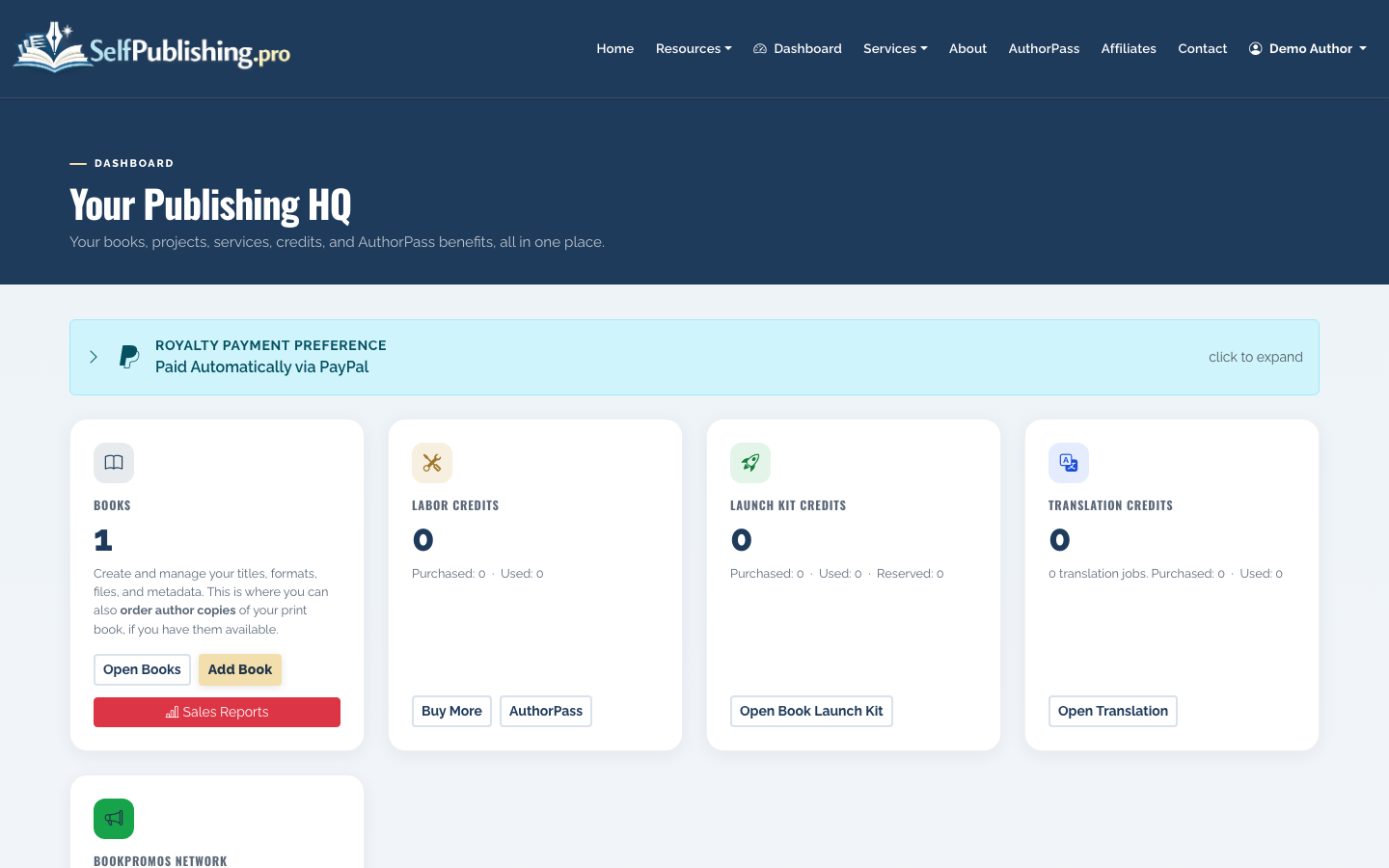
In SelfPublishing.pro, you can begin from your dashboard and create or open the book project you want to distribute.
Step 2: Add or Review the Book Project
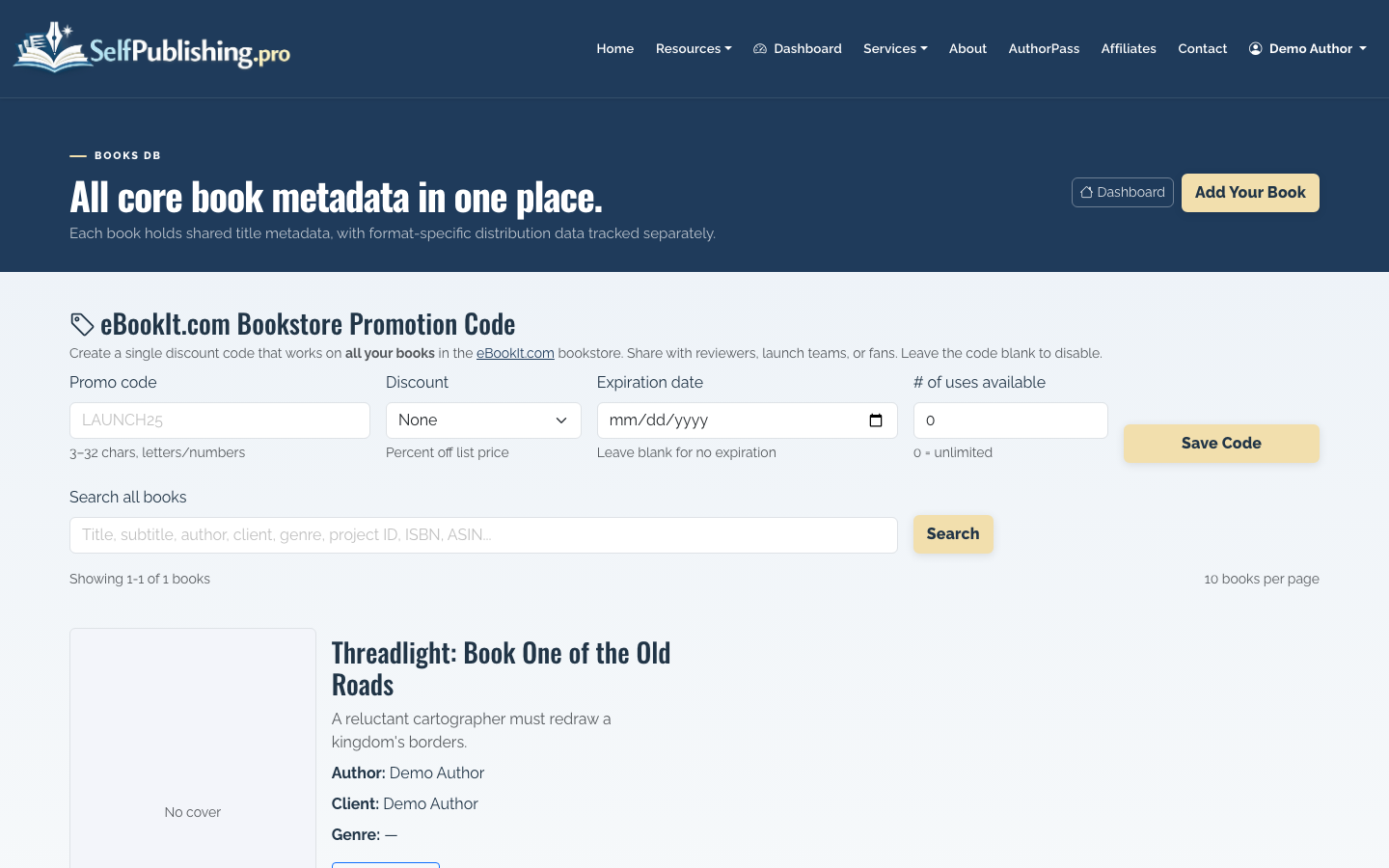
From your books list, choose the title you are preparing for Barnes & Noble distribution. If the book is new, create it before uploading final files.
Open the book detail page and confirm that every format you intend to sell is represented. A common setup is:
- EPUB for ebook distribution, including NOOK availability
- Paperback for print-on-demand distribution
- Hardcover only if the economics and production specs support it
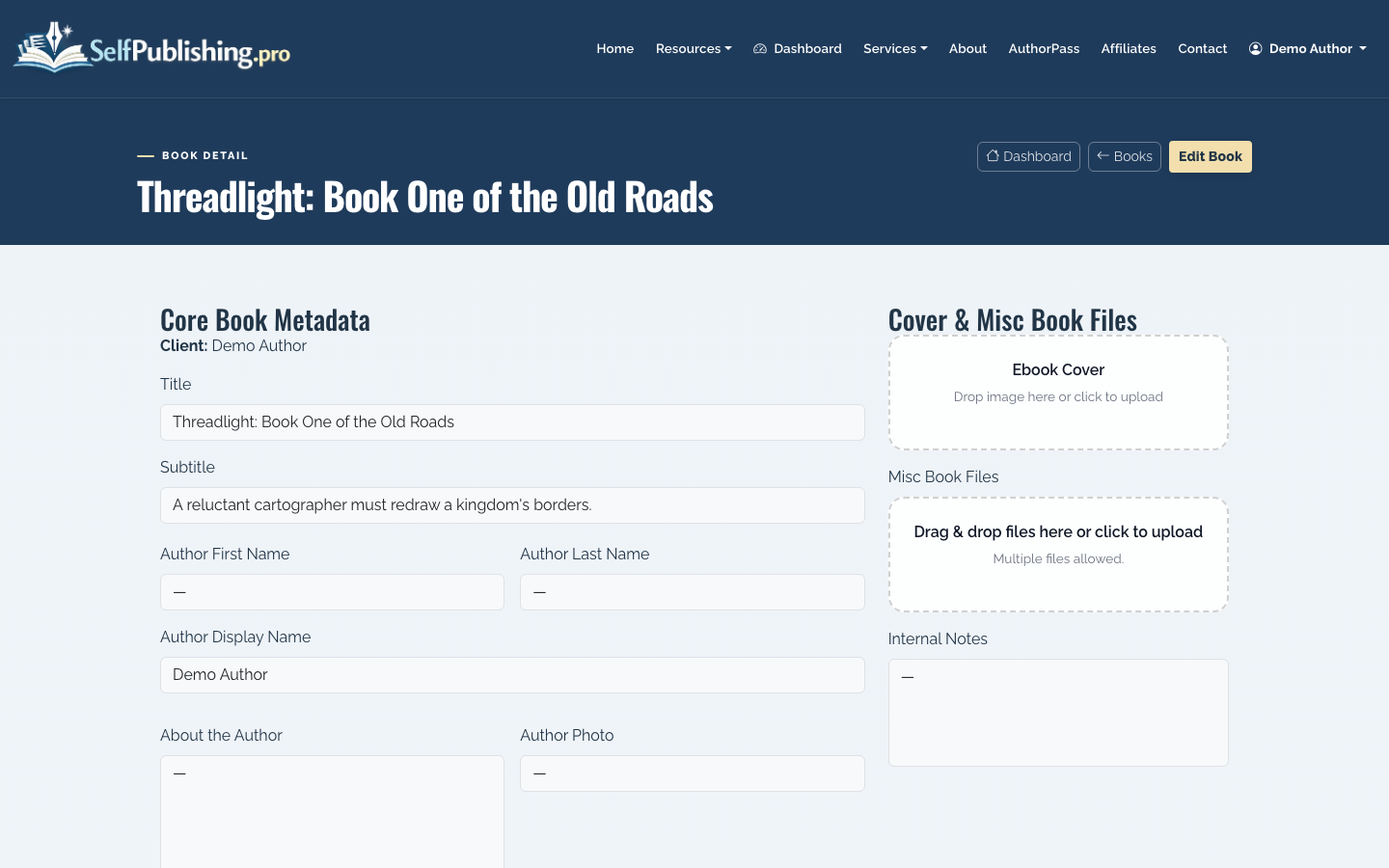
Do not treat the ebook and paperback as interchangeable. Each format has separate files, pricing, and retail handling. Print formats also need their own ISBNs.
Step 3: Clean Up Metadata Before Distribution
Open the book edit page and tighten the metadata before the book goes out to retailers. This is where many authors lose sales: the file may be good, but the listing reads like a draft.
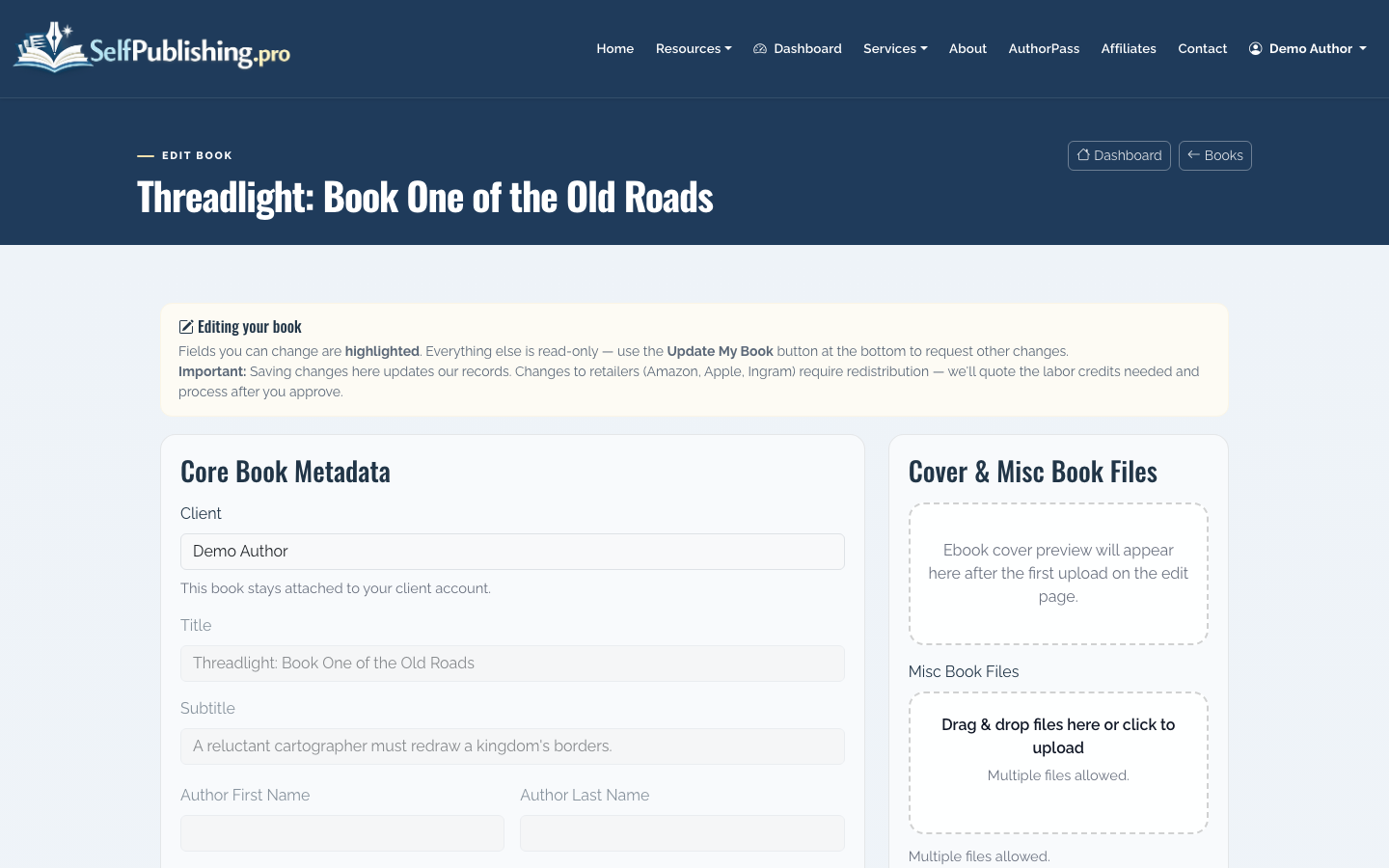
Focus on five fields:
- Title and subtitle: Keep the title exact. Do not add keyword stuffing that is not on the cover.
- Author name: Match the name on the cover, copyright page, ISBN record, and retailer metadata.
- Description: Lead with the reader promise, not the writing backstory. For nonfiction, say the problem solved. For fiction, establish character, conflict, and stakes.
- Genre and categories: Choose the shelf where the buyer would actually look for the book.
- SEO metadata: Use natural search phrases, but keep the retail description readable.
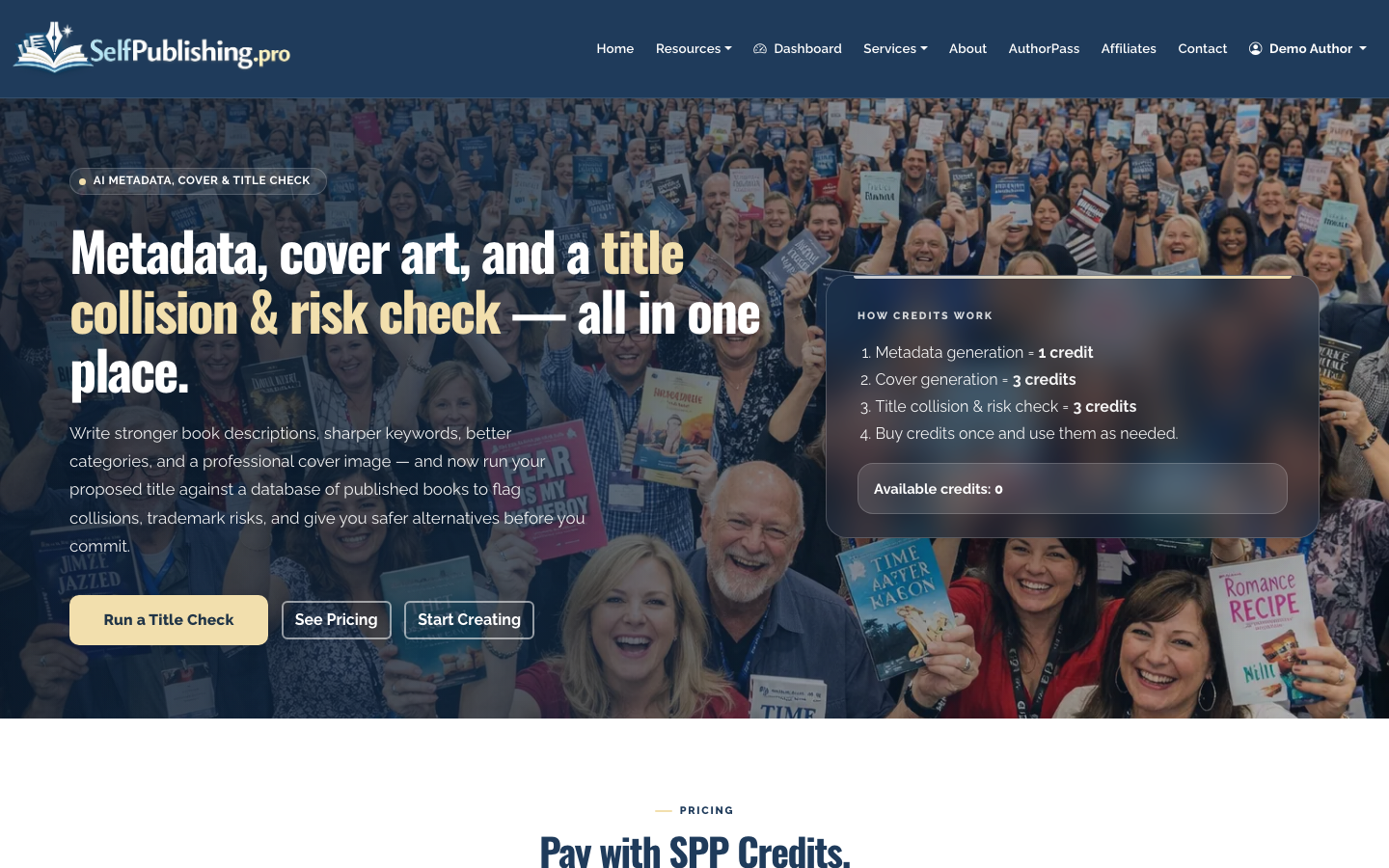
SelfPublishing.pro includes AI Book Tools for metadata generation, cover art, and title checks. Use them to produce a stronger starting point, then edit manually. Retail metadata should sound like a polished book listing, not a generic ad.
Step 4: Choose the Right Barnes & Noble Route
There are two main ways to get your book into the Barnes & Noble ecosystem.
Option A: Direct through Barnes & Noble Press
Barnes & Noble Press is a direct route for selling ebooks through BN.com, NOOK devices, the Barnes & Noble app, and NOOK apps. It can also list print books on BN.com and the Barnes & Noble app.
This can work well if you want direct control of a Barnes & Noble listing and are comfortable managing another publishing dashboard. Barnes & Noble Press is non-exclusive, so using it does not automatically prevent you from publishing elsewhere, but ISBN handling matters. Barnes & Noble’s ISBN guidance says a free B&N Press ISBN can only be used through B&N Press.
Option B: Wide distribution through Ingram/Lightning Source
If your goal is broader print availability, including making the title orderable through bookstore systems, Ingram-based distribution is usually the stronger path. Barnes & Noble’s help center notes that it obtains print-on-demand titles through Lightning Source/Ingram.
SelfPublishing.pro supports print-on-demand via Lightning Source or KDP, plus ebook distribution to 27+ ebook retailers and library partners. For authors who do not want to manage every retailer account separately, this is often simpler than uploading the same book to multiple platforms by hand.
Step 5: Upload Final Files
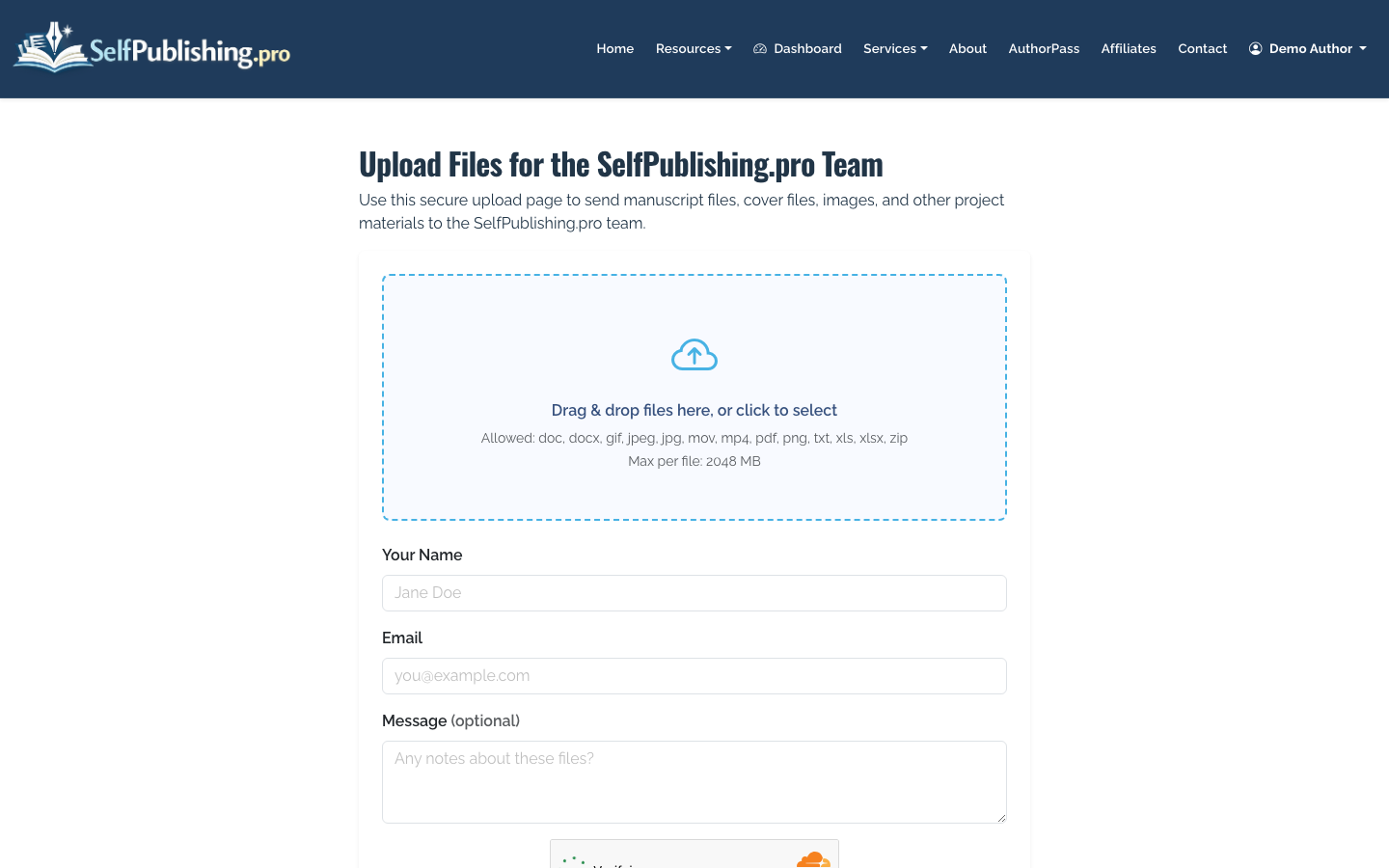
Once metadata is ready, upload the manuscript, cover, and supporting assets. If the SelfPublishing.pro team is helping with setup, you can send files through the no-login upload page.
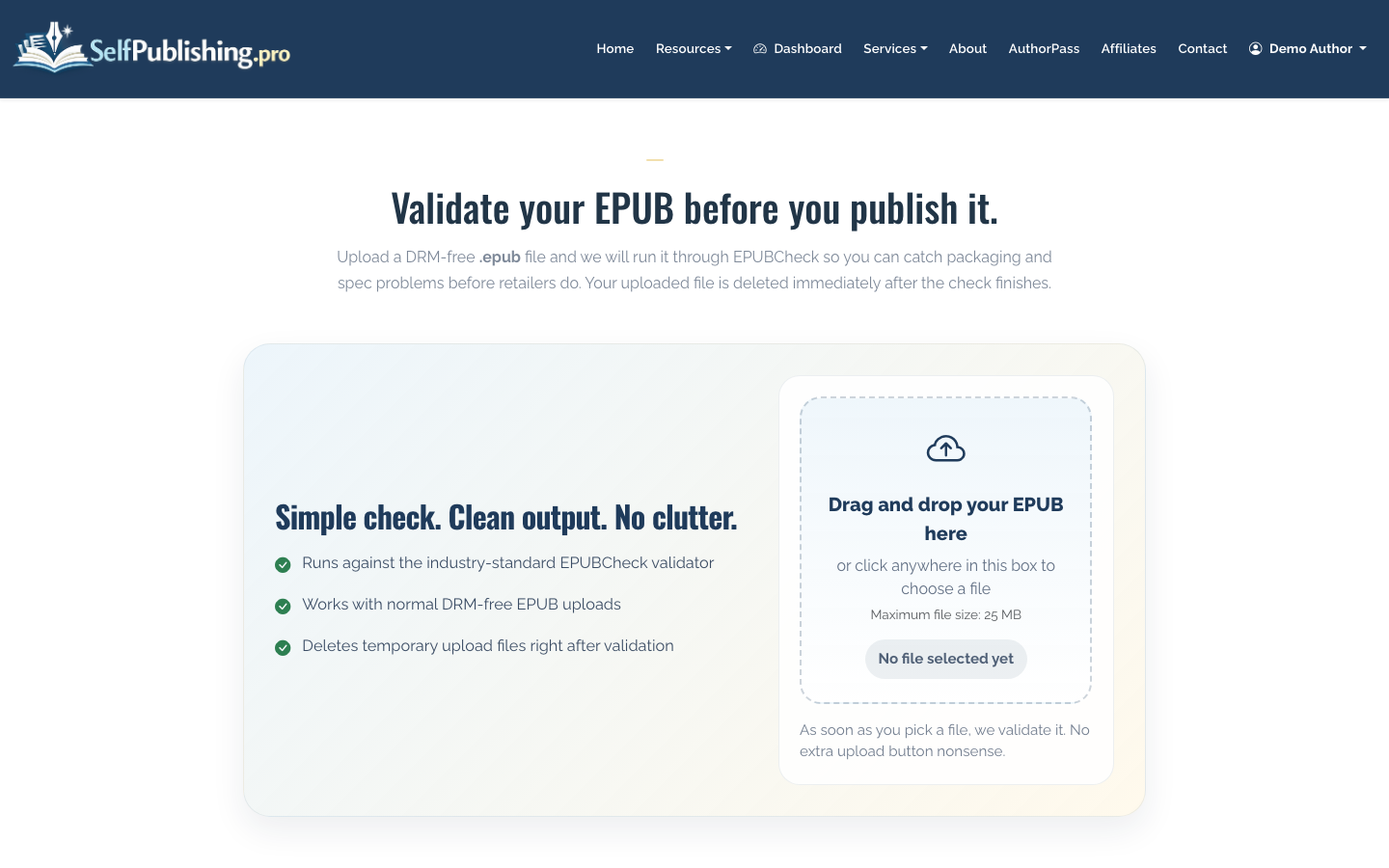
Before distribution, check that your EPUB validates against retailer requirements. An EPUB that opens on your computer can still fail retailer ingestion because of missing navigation, broken internal links, oversized images, or malformed metadata.
For print, confirm trim size, margins, bleed, spine width, barcode area, and cover file dimensions. If you use B&N Press directly, Barnes & Noble adds the barcode during setup and advises removing existing barcodes from print cover files submitted there. If you distribute through Ingram/Lightning Source, follow that printer’s cover template instead.
Step 6: Submit for Distribution and Monitor Status
After the book is submitted, approval and listing times vary by retailer. Barnes & Noble listings may not appear instantly, and metadata changes can take additional time to propagate.
Use the book detail page to watch distribution status and address any file or metadata issues quickly.
If the book is rejected, do not resubmit blindly. Read the reason, fix the underlying issue, and then submit again. Common problems include ISBN conflicts, cover dimensions, public domain restrictions, rights issues, low-quality files, or metadata that does not match the cover.
Step 7: Track Barnes & Noble Royalties Separately
Once sales begin, review your royalty reports by retailer and format. A single month may include ebook sales, paperback sales, returns, or delayed reporting from different partners.
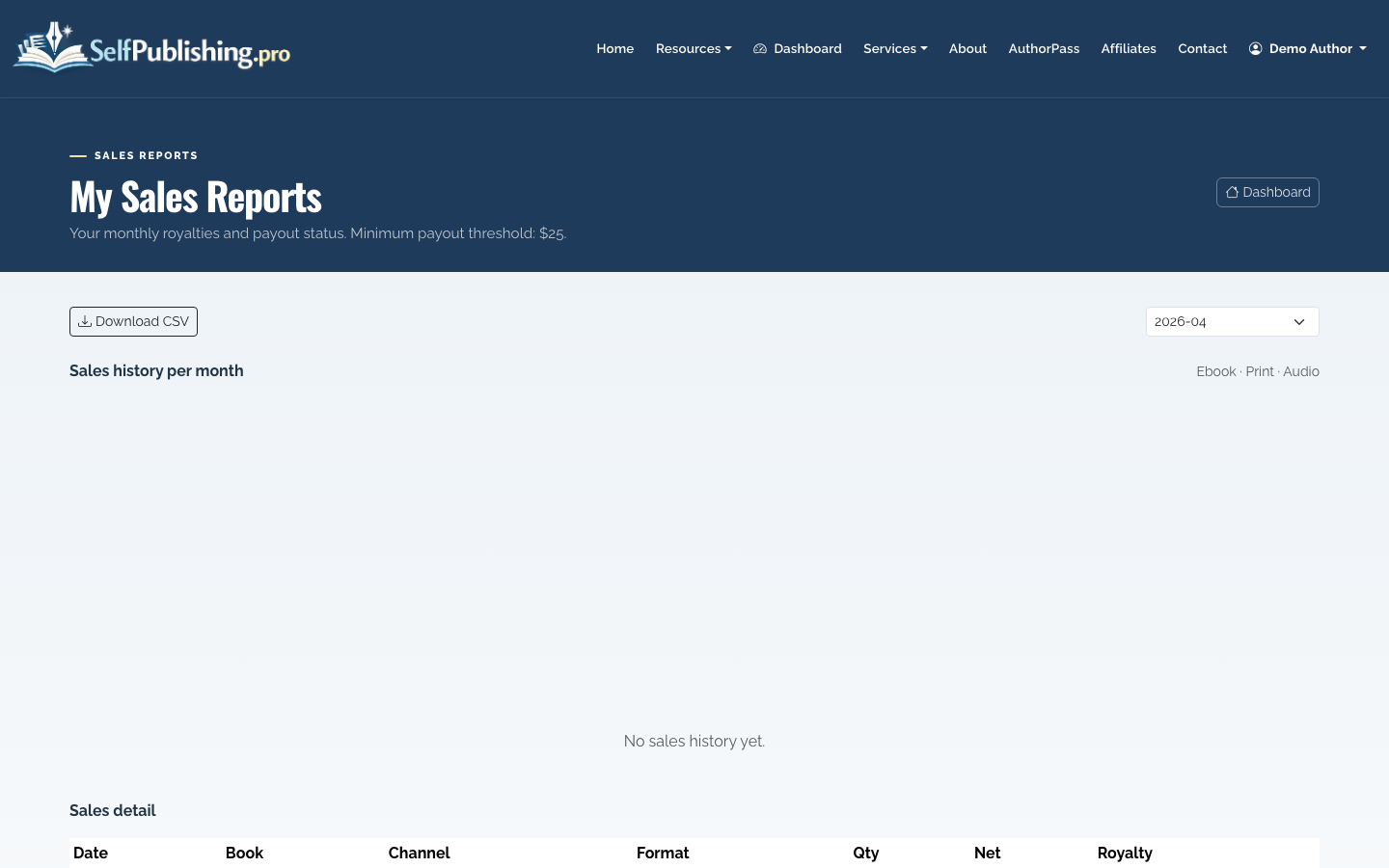
SelfPublishing.pro provides monthly royalty reports with per-retailer breakdowns and spreadsheet downloads. Payouts are available by PayPal or bank transfer once the $25 minimum threshold is met.
Do not judge Barnes & Noble performance from the first week alone. For most independent authors, discoverability depends on metadata, reviews, category fit, price, and external marketing. Distribution gets the book listed; it does not create demand by itself.
What About Getting on Physical Barnes & Noble Shelves?
Physical shelf placement is harder than online availability. Local store interest can happen, especially for regional nonfiction, local history, children’s books tied to community events, or authors with a strong local audience. But stores need a reason to carry inventory.
Your chances improve when the book has:
- Professional cover and interior design
- Clear category fit
- Retail pricing that leaves margin
- Returnable wholesale availability, when appropriate
- Local media, events, or audience demand
- Reviews or sales proof
Barnes & Noble’s public guidance says B&N Press POD books are not considered returnable, though a local store may still be interested in carrying a book or holding a consignment event. If you are aiming at stores, build the print strategy around retail expectations from the beginning.
Practical Recommendation
If your main goal is to reach Barnes & Noble readers online, ebook and print distribution are straightforward: prepare clean files, use accurate metadata, and distribute through a platform that reaches BN.com and NOOK.
If your goal is bookstore ordering or possible local shelf placement, plan for Ingram/Lightning Source distribution, a professional ISBN setup, and a pitch that gives stores a commercial reason to care. SelfPublishing.pro can support either the DIY route or a more hands-on setup through services and full-service packages.
For a broader publishing roadmap, compare this with How to Self Publish a Book. If Amazon is also part of your launch, see How to Publish a Book on Amazon so your ISBN, print, and metadata decisions do not conflict across retailers.
