Before You Start
A poetry book does not need to be long to be publishable. Many modern collections run 40-100 pages, while chapbooks are often 20-40 pages. What matters more is cohesion: the poems should feel intentionally selected and ordered, not simply gathered.
Before you upload anything, prepare:
- A final manuscript in Word, Google Docs, or PDF
- A working title and author name
- A short book description, even if rough
- Any author bio or acknowledgments
- Cover direction, reference images, or notes
- Your preferred formats: ebook, paperback, hardcover, audiobook, or some mix
1. Decide What Kind of Poem Book You Are Publishing
Start by choosing the shape of the project. A short chapbook, a full poetry collection, and a gift-style illustrated poetry book have different production needs.
For most authors, the practical choices are:
- Ebook only: fastest and lowest-cost, but poetry formatting must be checked carefully
- Paperback: usually the best fit for poetry readers and live events
- Hardcover: useful for premium editions, gifts, or established audiences
- Audiobook: good if your performance voice is part of the work
If you are still comparing the overall publishing path, read How to Publish a Book for the broader process.
2. Create Your Account and Open the Dashboard
Create a SelfPublishing.pro account with email and password or Google OAuth. New registrations receive 10 free AI Book Tool credits, which you can use for early metadata, title, or cover exploration.
Once you are in the dashboard, you will see your books, project conversations, credit balance, recent activity, and quick actions.
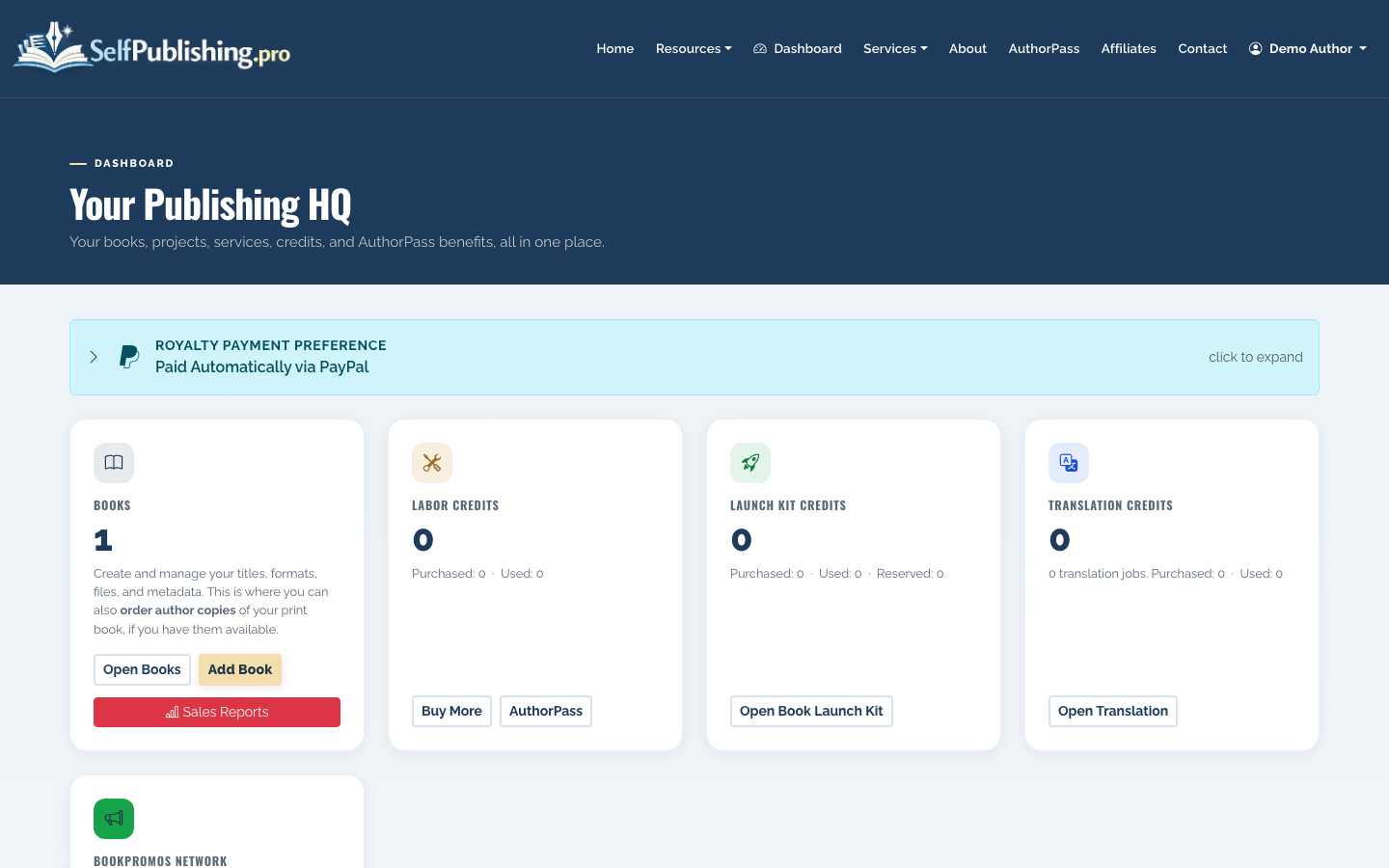
Use the dashboard as your working hub. If you are publishing more than one collection, keeping each book as its own project helps separate metadata, files, distribution status, and royalty reports.
3. Add Your Poetry Book
From the books area, add a new book and enter the basics: title, author name, description, genre, and the formats you plan to publish.
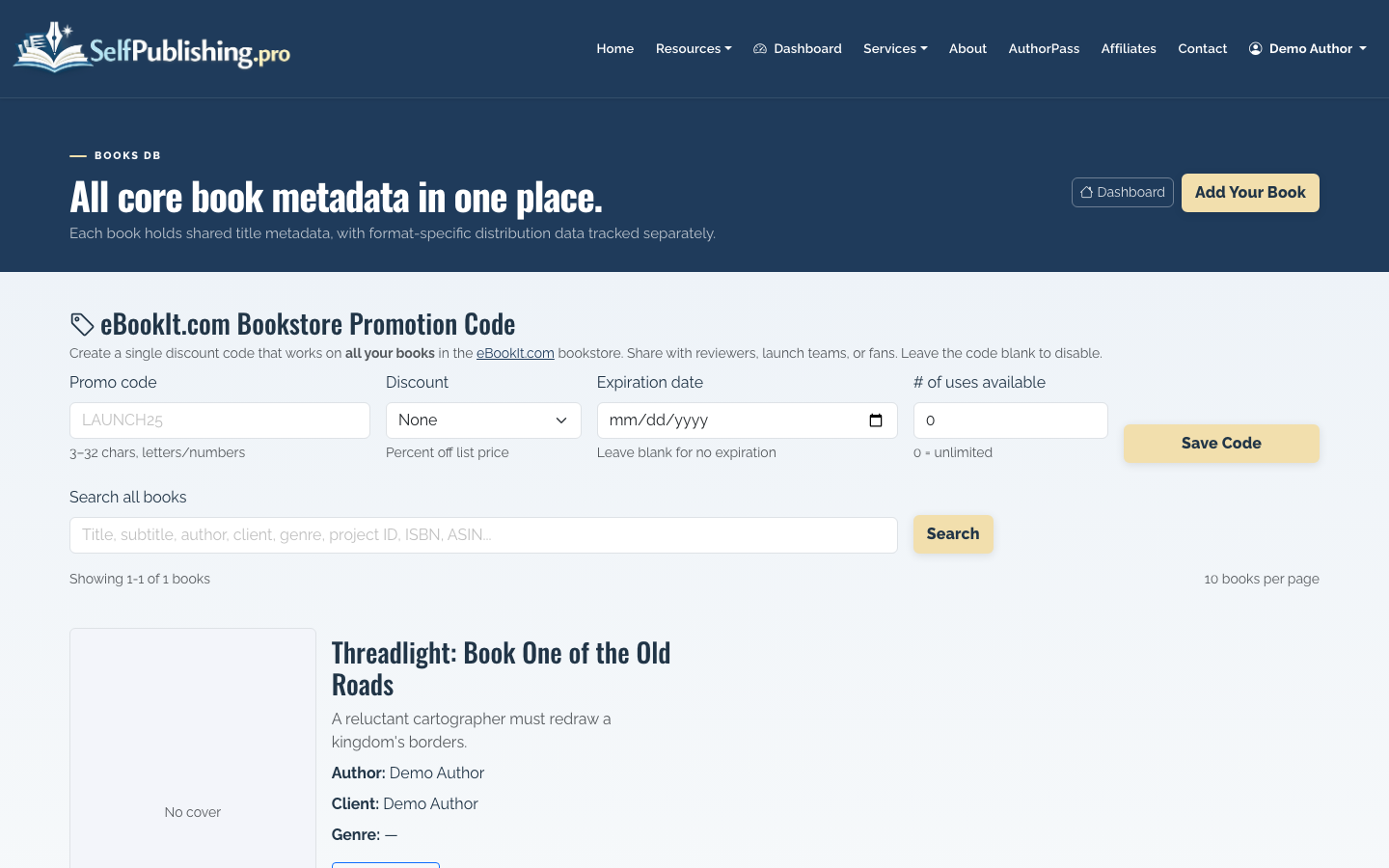
Poetry should usually be categorized clearly as poetry, but the description can signal the reader experience more specifically. For example:
- Contemporary poetry about grief and recovery
- Nature poems with spiritual themes
- Spoken-word poems on identity and family
- Romantic poetry for gift readers
4. Refine the Title, Description, and Metadata
Open the book detail or edit screen to revise your title, author name, description, genre, categories, and SEO metadata.
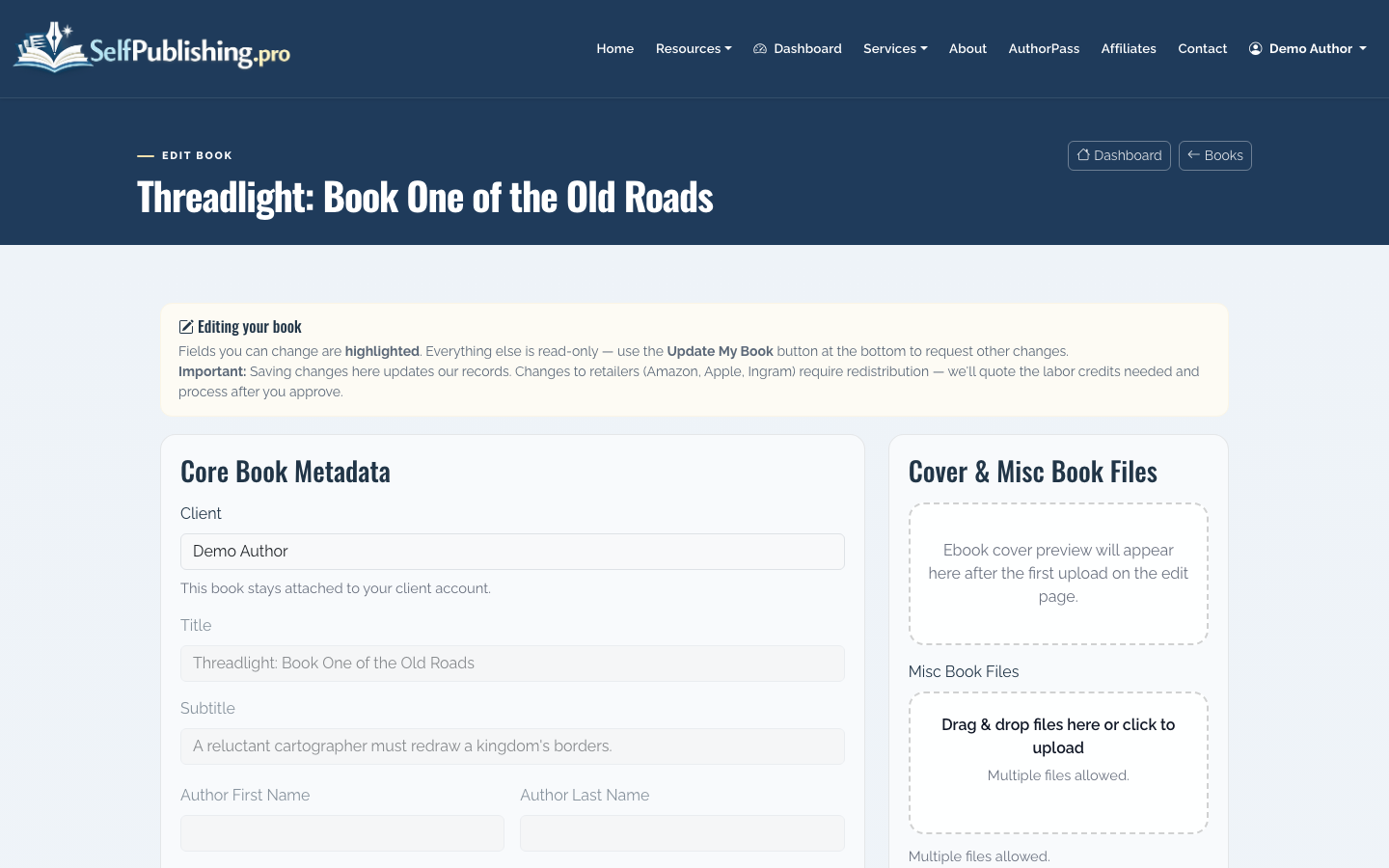
For poetry, avoid vague descriptions like “a collection of heartfelt poems.” Instead, tell readers what emotional territory the book covers and who it is for.
A stronger description might include:
- The central theme or arc of the collection
- The style: lyrical, minimalist, narrative, devotional, experimental
- The intended reader: grief readers, romantics, new parents, spiritual readers, spoken-word fans
- Any notable structure, such as sections, seasons, letters, or meditations
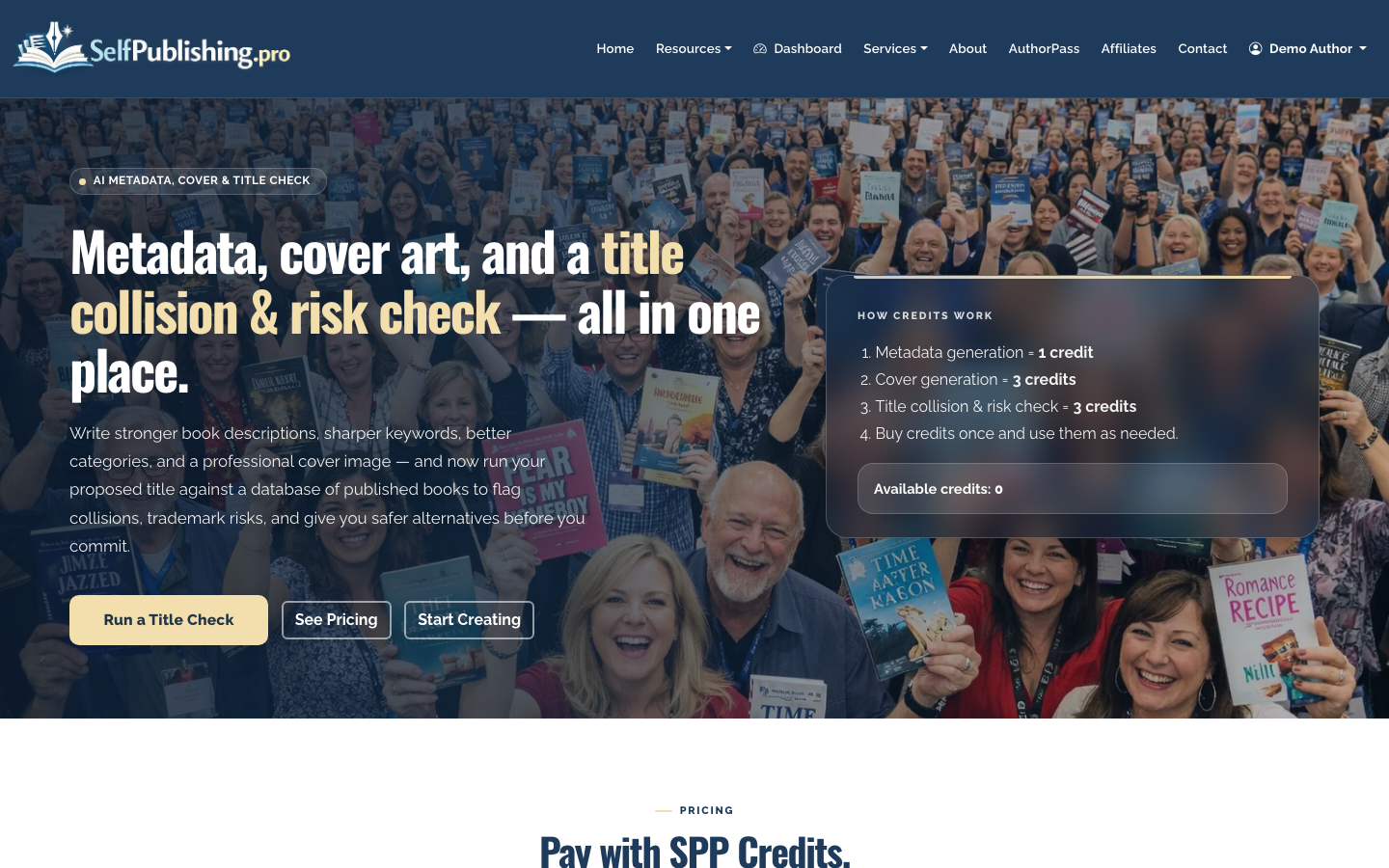
You can also use SelfPublishing.pro’s AI Book Tools to generate or improve metadata, test title options, and explore cover concepts.
5. Prepare the Manuscript for Poetry Formatting
Poetry formatting needs extra care because line breaks and white space are part of the work. A poem that looks fine in a Word document can break awkwardly on an ebook screen if the lines are too long or spacing is inconsistent.
Check these before production:
- Use consistent poem title styling
- Avoid manual spacing with repeated tabs or spaces
- Keep section breaks clear
- Decide whether each poem should start on a new page
- Review long lines on smaller screens
- Confirm page numbers, headers, and front matter for print
For print, trim size matters. A common poetry paperback size is 5 x 8 inches or 5.5 x 8.5 inches. Wider formats can help if your poems use long lines, indentation, or visual spacing.
6. Upload Your Manuscript and Assets
If you are working with the SelfPublishing.pro team, use the project-file upload page to send manuscripts, cover references, interior files, images, or other assets. The upload page does not require login, which is useful if an editor, designer, or coauthor needs to send files.
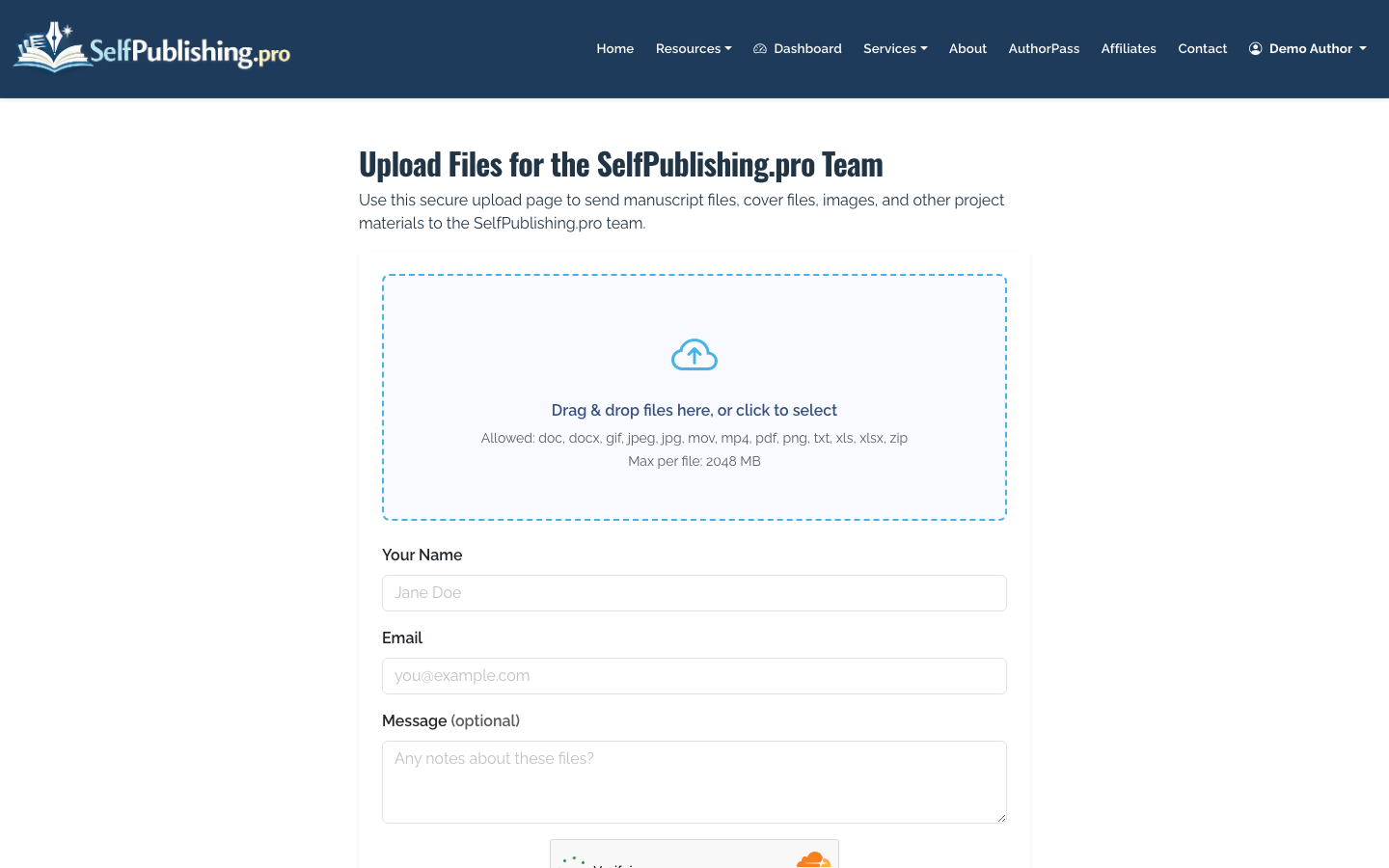
Name your files clearly before uploading. For example:
- last-light-poems-final-manuscript.docx
- last-light-author-photo.jpg
- last-light-cover-notes.pdf
- last-light-back-cover-copy.docx
7. Choose DIY Services or a Full-Service Package
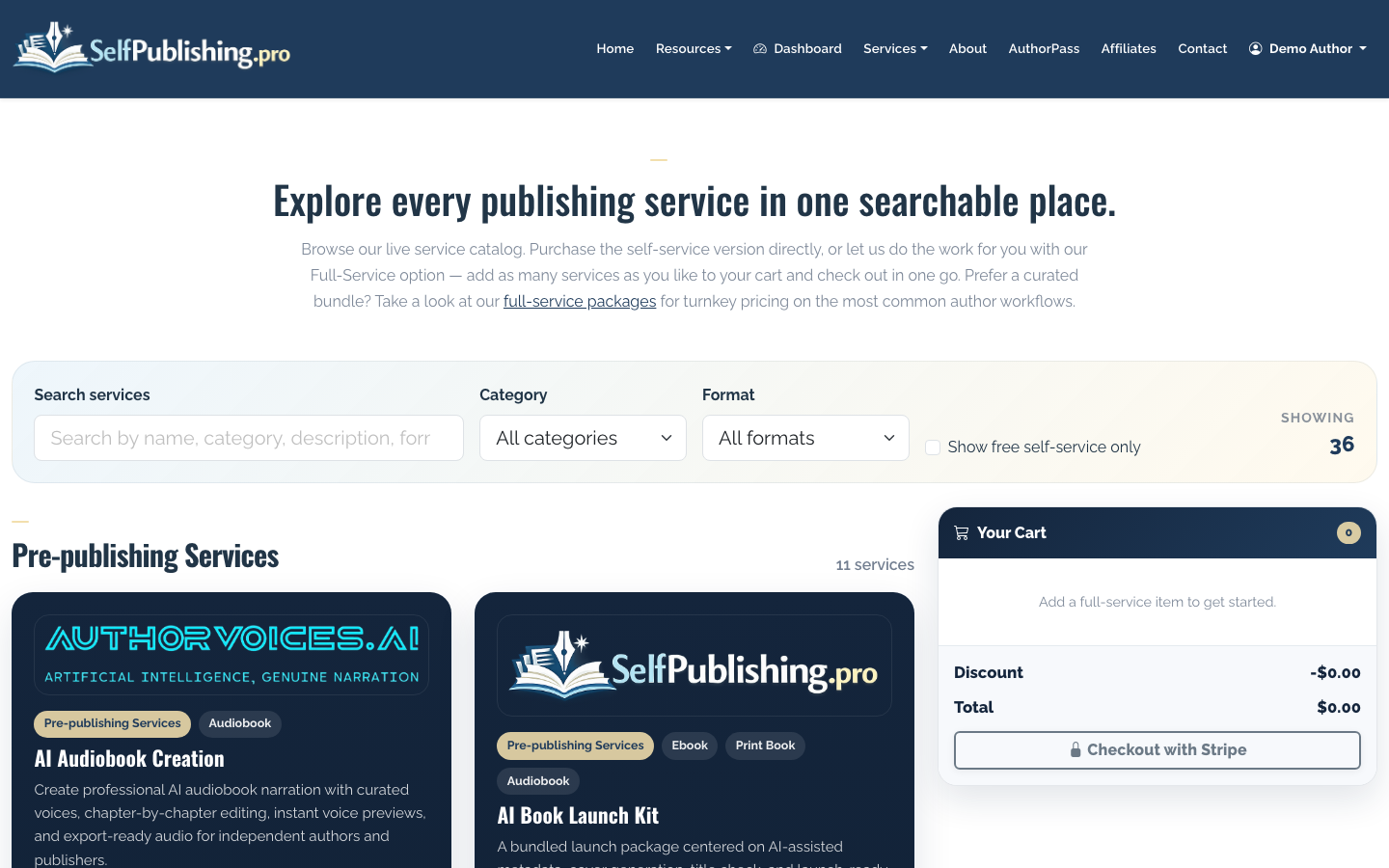
If you want to handle most of the process yourself, you can buy à-la-carte services such as editing, cover design, formatting, distribution support, or marketing help.
If you want the team to manage more of the process, review bundled full-service publishing packages.
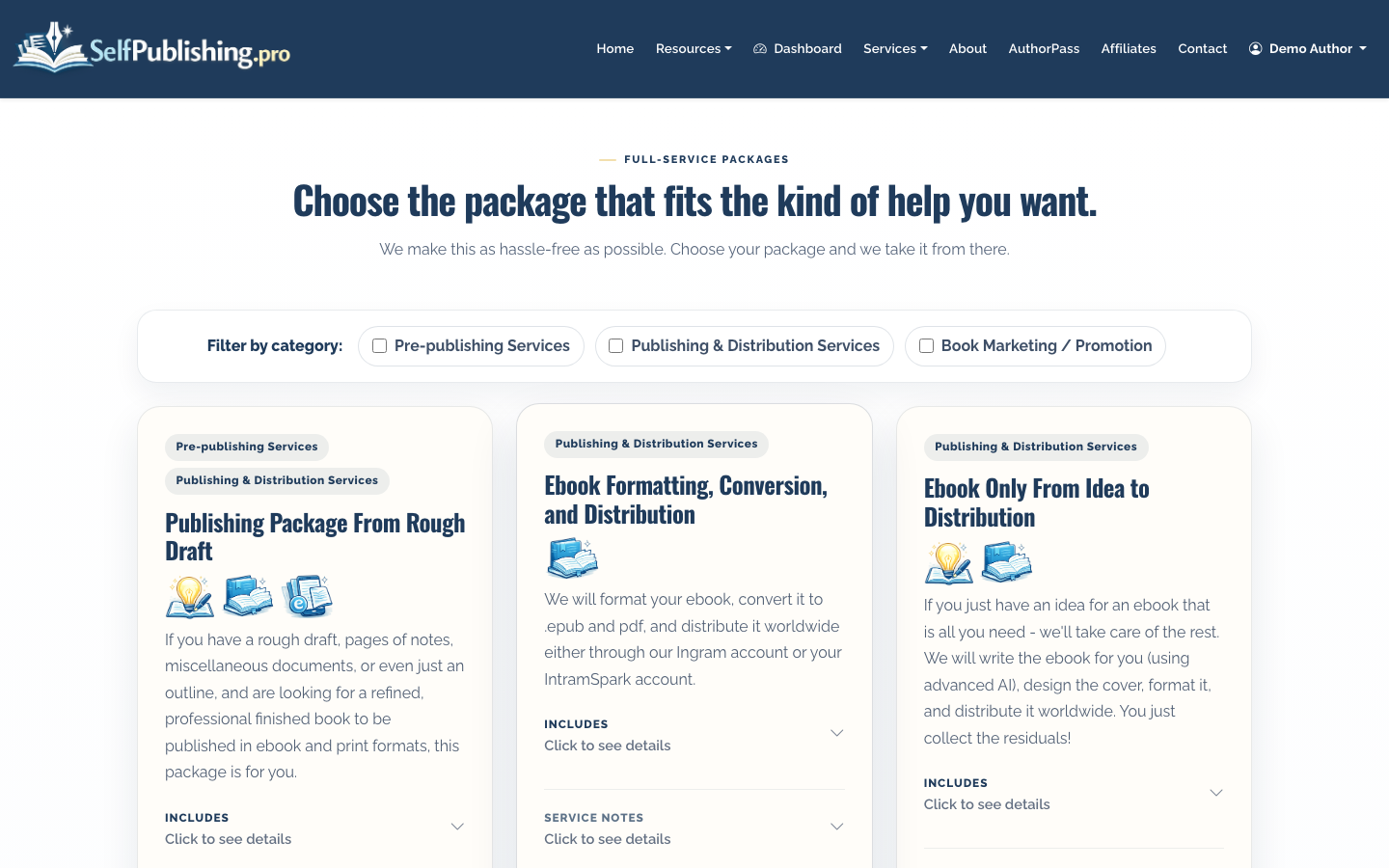
The right choice depends on your budget, timeline, and comfort level. DIY works well if your manuscript is already polished and you only need formatting or distribution. A package is usually better if you need editorial help, cover direction, setup, and long-running project support.
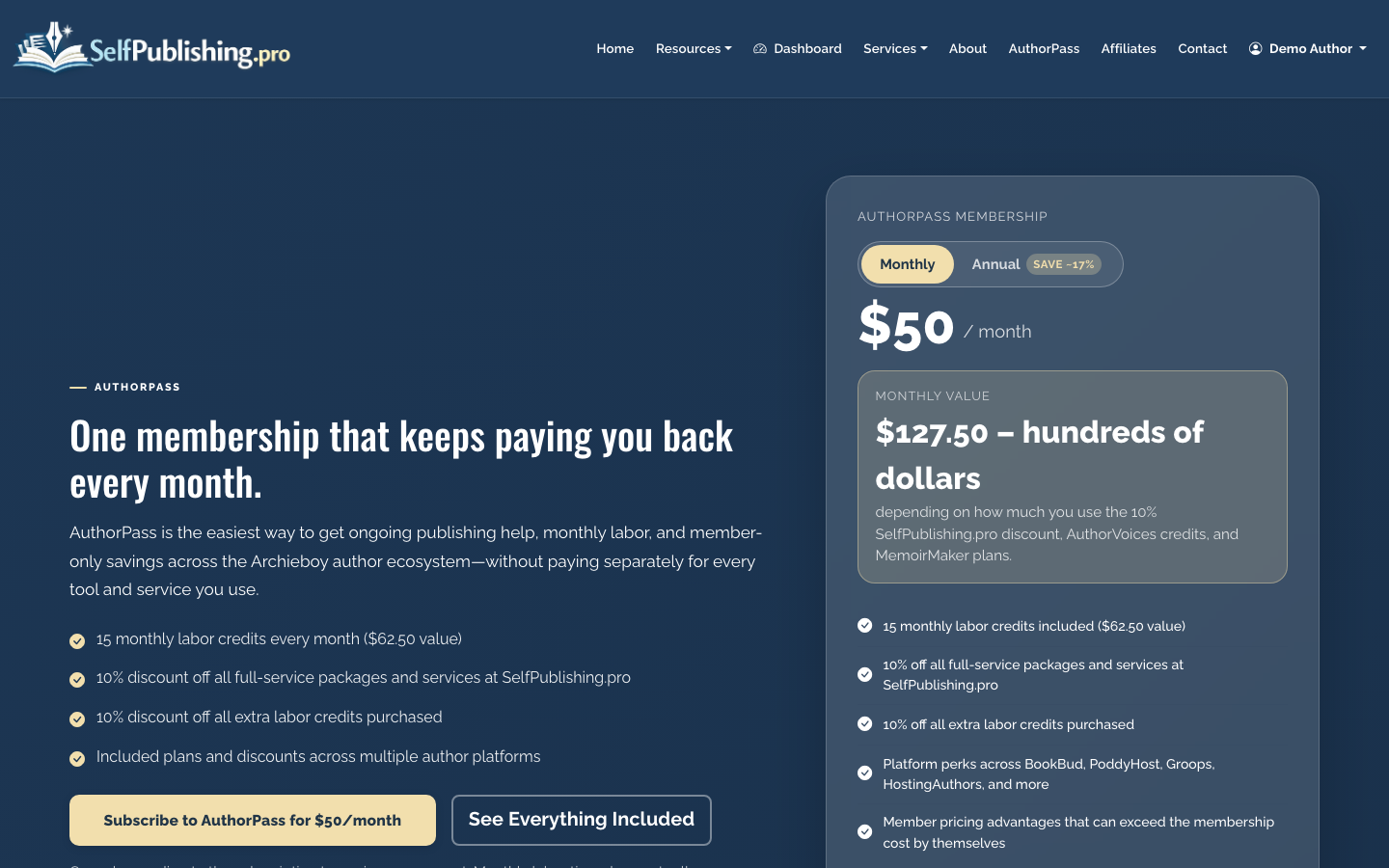
AuthorPass can also make sense if you expect recurring help across several tasks. It costs $50 per month or $500 per year and includes 15 monthly labor credits plus partner platform benefits.
8. Set Up Ebook and Print Distribution
SelfPublishing.pro distributes ebooks to 27+ retailers and library partners. For print-on-demand, you can use Lightning Source or KDP depending on your goals.
If your main goal is Amazon availability, KDP is often the simplest route. If you want broader bookstore and library ordering options, Lightning Source may be the better fit. Many authors use both strategically, but that requires careful ISBN and distribution planning.
For Amazon-specific details, see How to Publish a Book on Amazon. For a wider self-publishing overview, see How to Self Publish a Book.
9. Review the Book Detail Page Before Launch
Before release, open the book detail page and check the book’s metadata, formats, distribution status, asset library, and per-format actions.
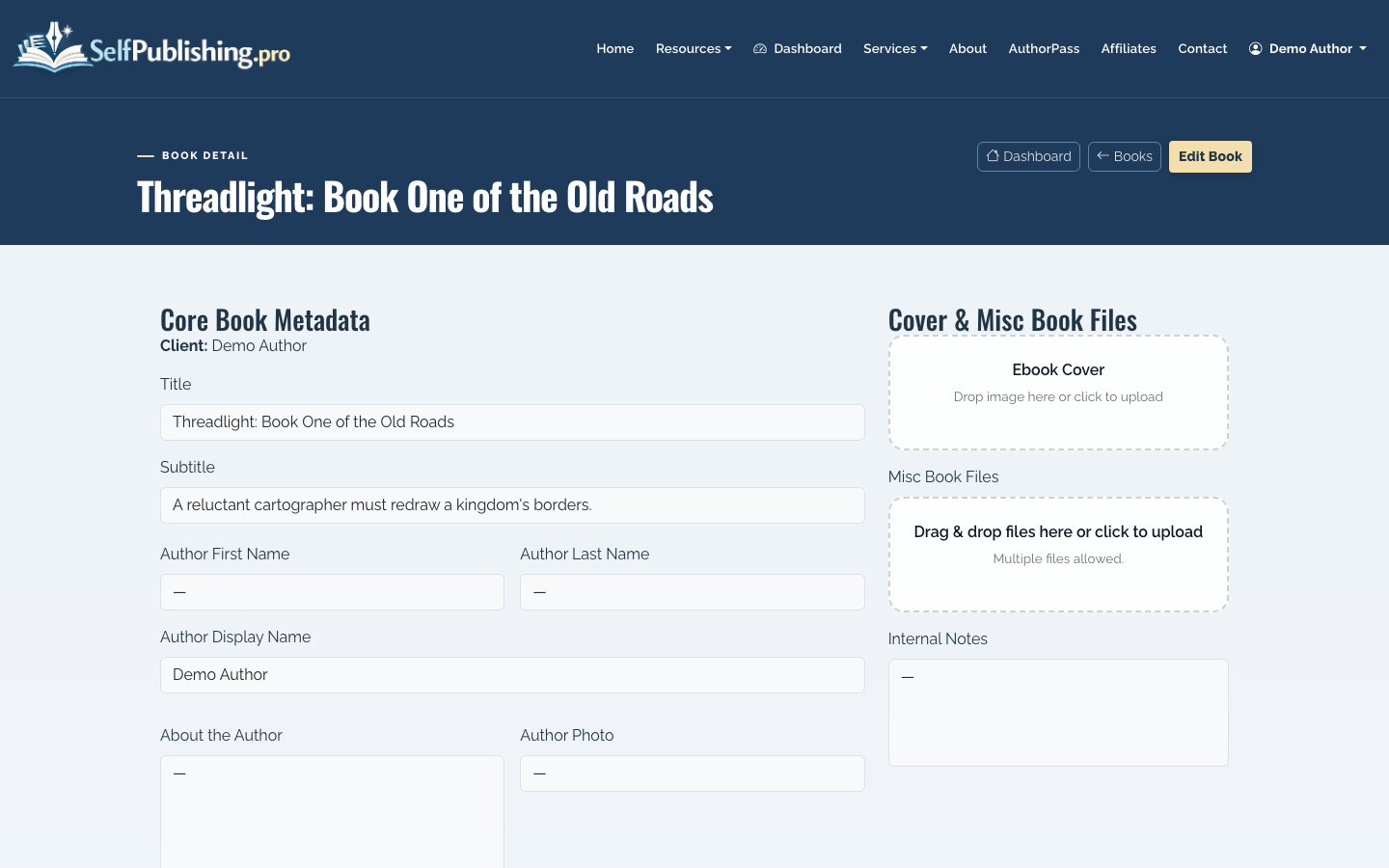
Review:
- Title and subtitle spelling
- Author name consistency
- Description formatting
- Categories and keywords
- Ebook file status
- Print cover and interior status
- Retailer or distribution status
- Any missing assets or approvals
This is the point where small errors are still easy to fix. After distribution, corrections can take days or weeks to update everywhere.
10. Track Royalties After Publication
After your poem book starts selling, use monthly royalty reports to review sales by retailer and format. SelfPublishing.pro reports include per-retailer breakdowns and spreadsheet downloads.
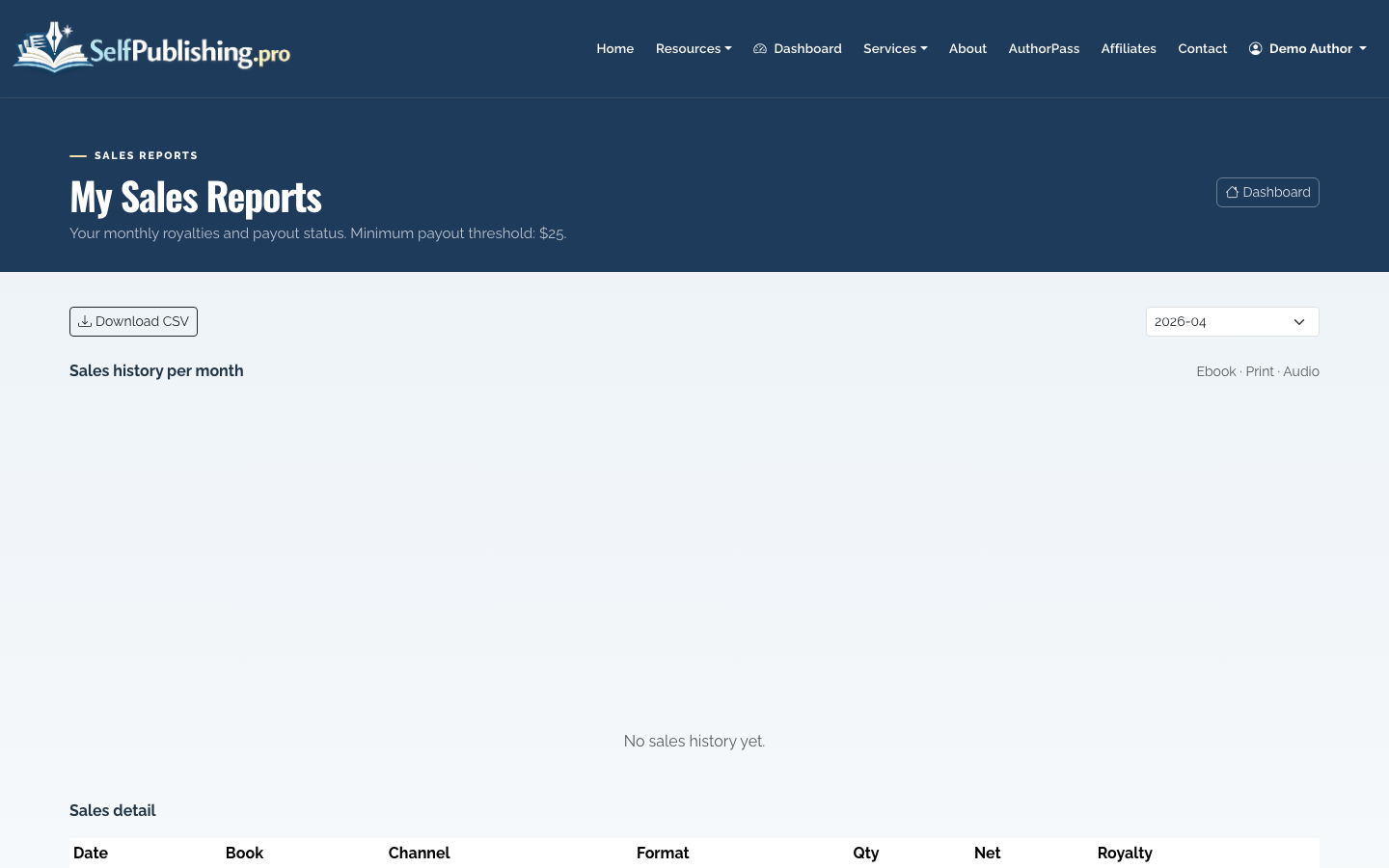
Payouts are available through PayPal by default or bank transfer, with a $25 minimum payout threshold.
Poetry sales are often slower and steadier than genre fiction launches. Track which channels perform best, then focus promotion where readers actually respond: live readings, social clips, newsletters, book fairs, local stores, gift buyers, or niche communities.
Final Checklist
Before you call the book ready, confirm:
- The poems are intentionally ordered
- The manuscript has been proofread after formatting
- Ebook line breaks have been checked
- Print trim size suits the poems
- The cover fits the tone and category
- Metadata is specific, not generic
- Distribution choices match your goals
- Royalty payout details are set
Publishing a poem book is not just uploading a file. The strongest poetry collections feel deliberate from first page to last, and the publishing setup should protect that reading experience.
